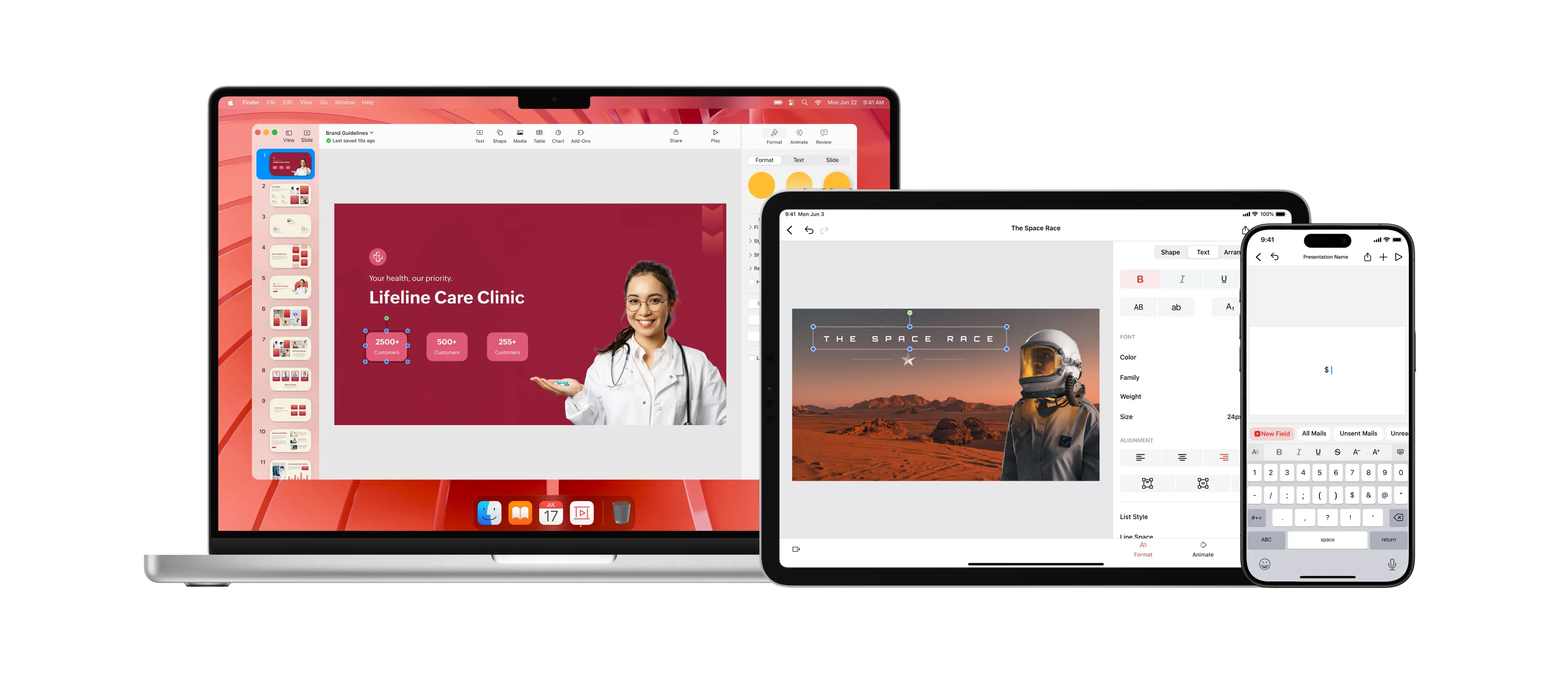
Zoho Show
In early 2023, we launched a comprehensive redesign of Zoho Show for Apple platforms, enhancing the experience for over 1 million users. The project overhauled the design system, introduced new visual assets and features, and established a fixed developer handoff workflow, improving usability and visual consistency across the app.
Figma
Photoshop
Zoho Nila
Some details are withheld under NDA to protect company information. Shared content is disclosed with the company’s permission.
What is Zoho Show?
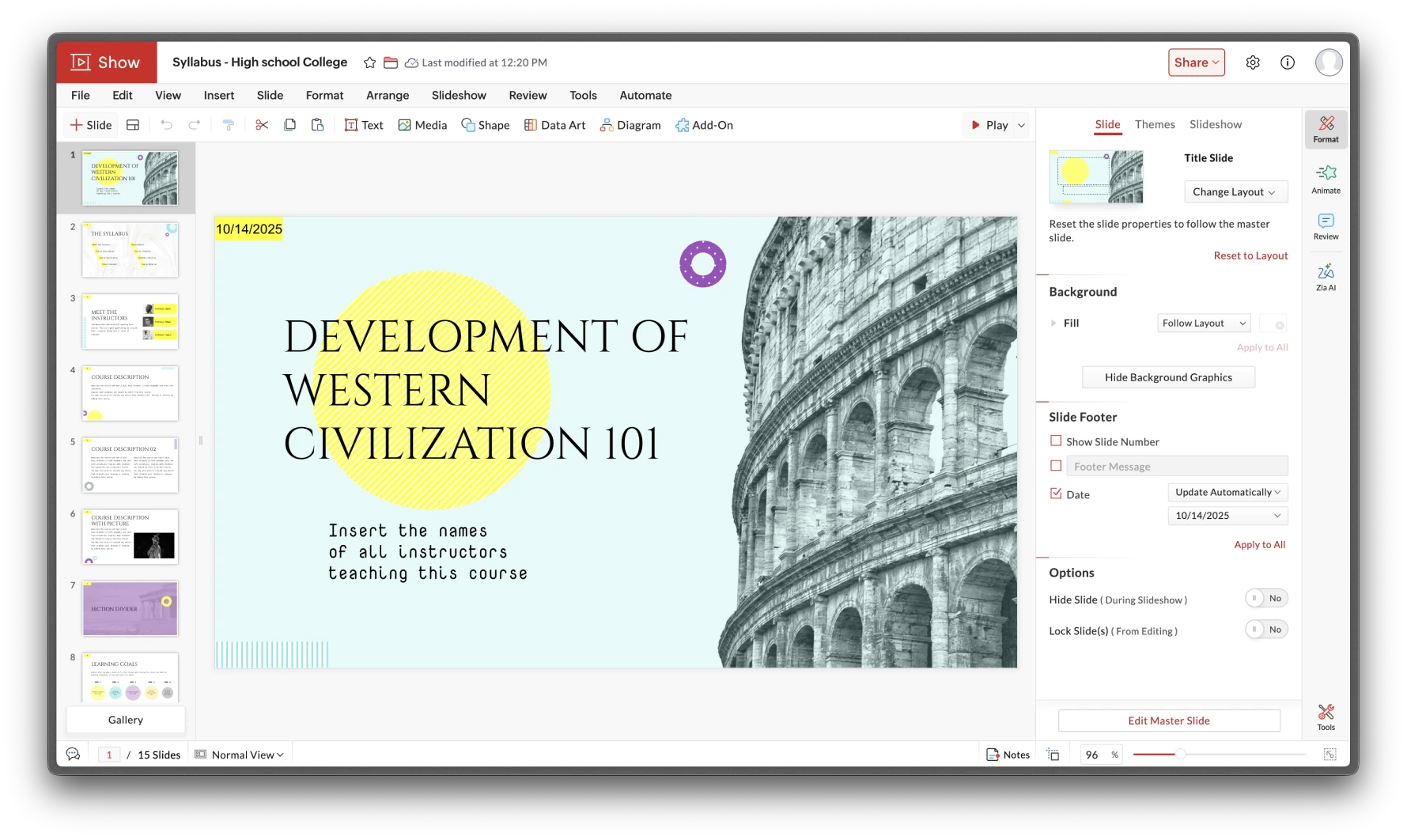
Zoho Show is a cloud-based presentation tool for creating, editing, and collaborating on slides. It offers real-time collaboration, templates, animations, and multimedia support, integrating seamlessly with Zoho apps and third-party tools.
How It Started
Starting Out
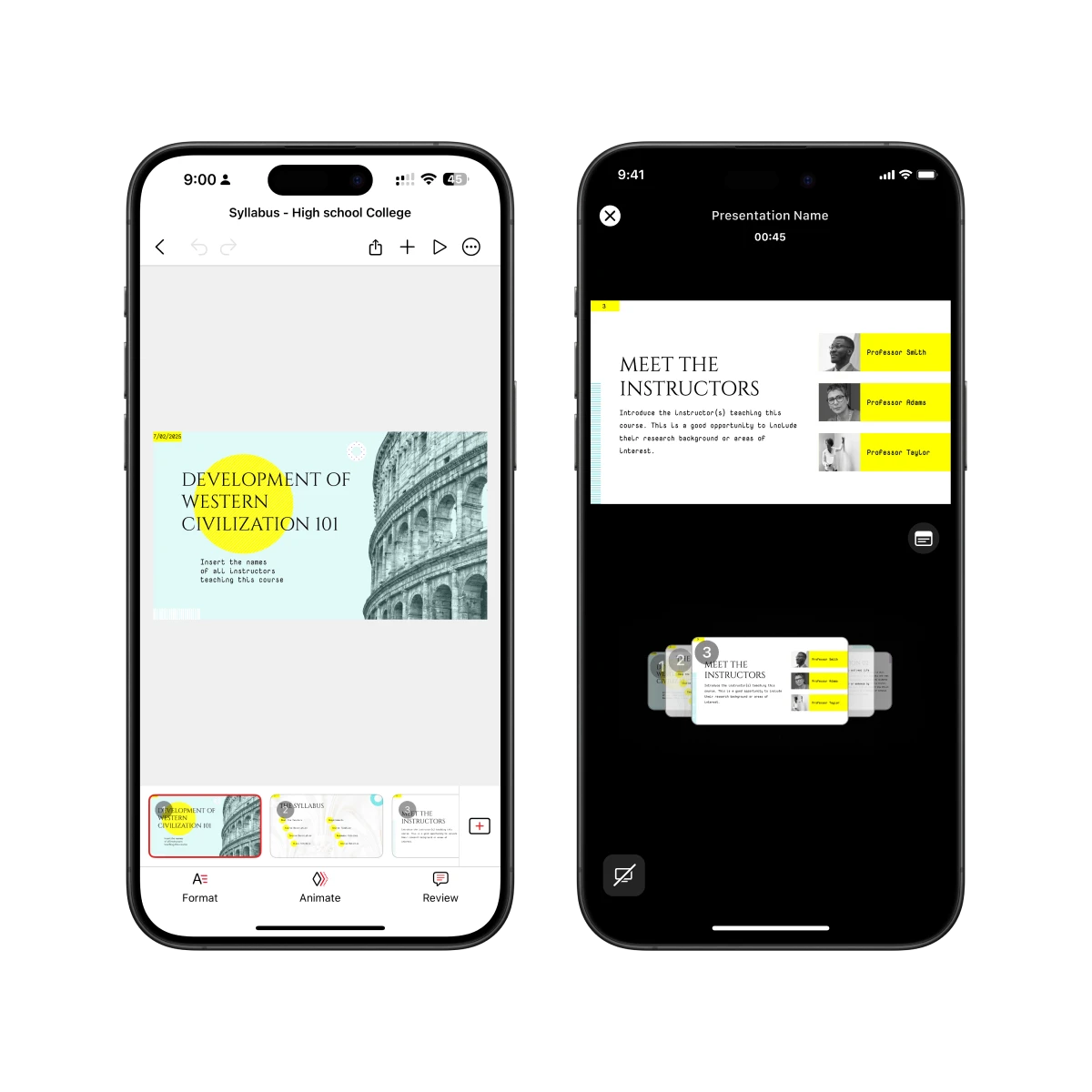
My first assignment was to design an annotation feature for the presentation view. The goal was straightforward — allow users to mark or highlight slides during a presentation. But as I reviewed the interface, I began noticing subtle inconsistencies between the editor and presentation views where spacing felt off, icons behaved differently, and native system behaviors weren’t applied consistently. What started as a small feature revealed something much larger beneath the surface.
Identifying the Root Cause
It became clear that these inconsistencies weren’t isolated mistakes but symptoms of a deeper workflow issue. Designers were creating variations of the same components repeatedly, while developers coded one-off UI elements without documentation or guidelines. After discussing with both teams, I realized the real bottleneck was the lack of a shared design language. There was no single source of truth connecting design and development, which led to visual drift and redundant work.
Deeper Look
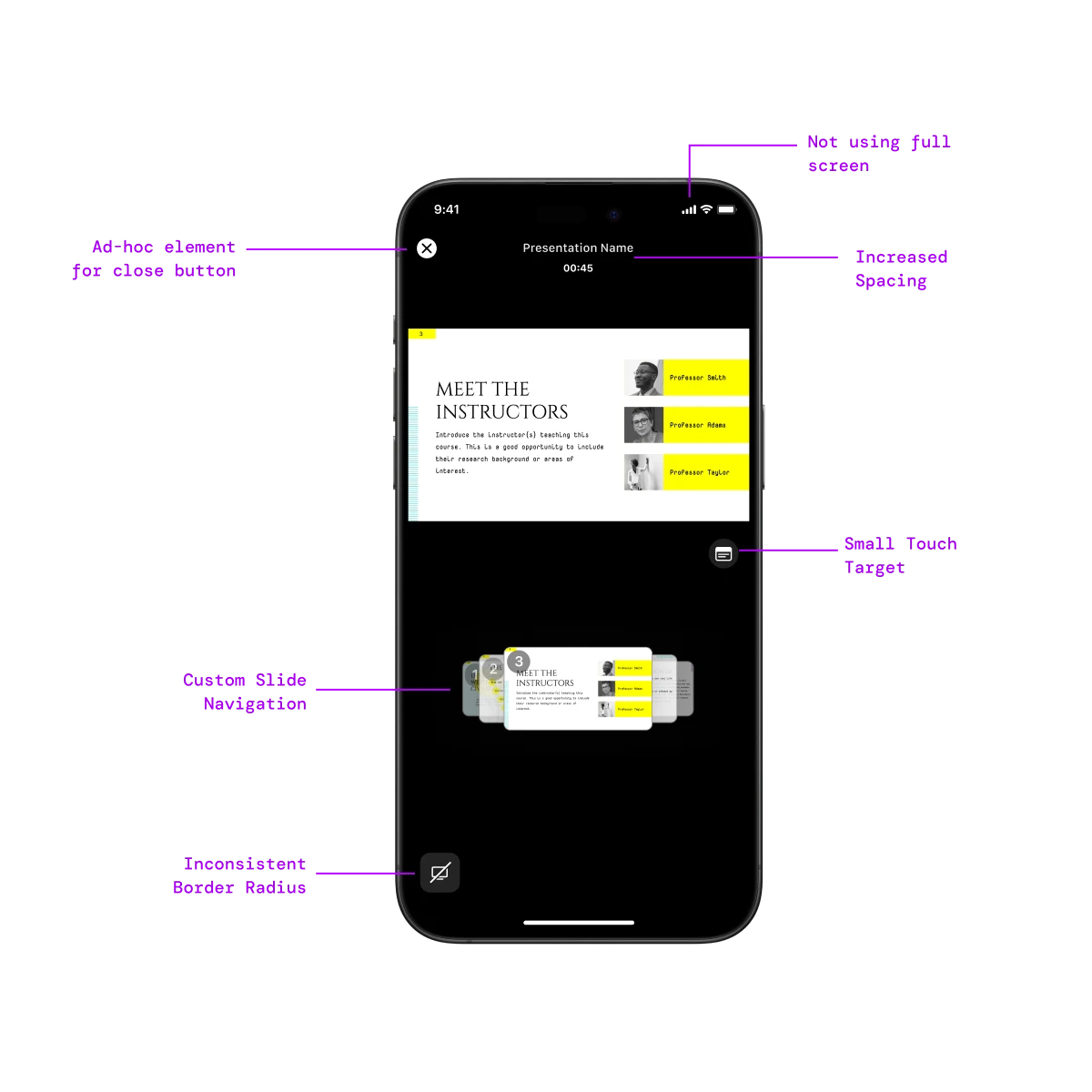
Digging further into the process, I mapped how elements were created, implemented, and updated. Designers spent time perfecting minor details that never translated correctly into development, while developers wrote ad-hoc solutions for missing components. Every handoff introduced more inconsistency, which compounded over time. The product needed a scalable design foundation that could unify teams, reduce rework, and align with Apple’s Human Interface Guidelines.
Problem
Inconsistent Components
Zoho Show initially lacked a unified design system and relied on custom-built components, leading to compatibility issues across different OS versions and inconsistent user experiences.
Component Modularity issues
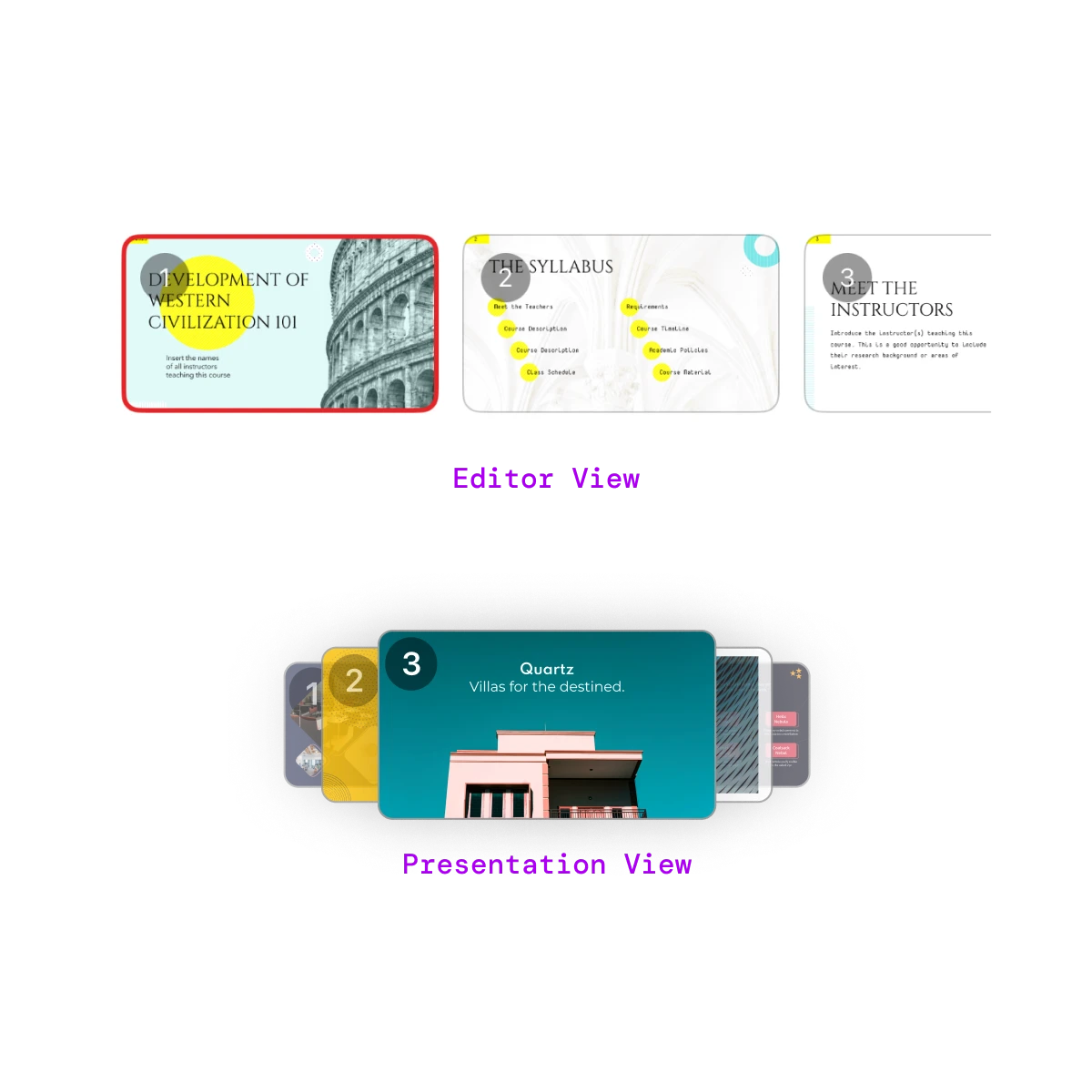
When comparing the Editor View and Presentation View, it was clear the same components looked and behaved differently. Each screen had been designed in isolation, with no shared structure or tokens.
This caused redundant work and visual drift , designers rebuilt components manually, and developers recreated ad-hoc versions for every feature. The lack of modularity made updates slow and inconsistent.
This inconsistency highlighted the need for a unified component library that could scale seamlessly across views and platforms.
Research
To understand the true cost of this issue, I conducted a qualitative research phase with designers and developers to analyze their workflow. I analyzed their workflow and communication process to identify gaps and challenges in execution.
Technical Debt and Ambiguity
Without documentation or a proper design system, developers had to build “ad-hoc” UI elements for even basic components. Each screen required fresh code, creating brittle implementations that slowed releases and built up technical debt.
Inconsistency and Redundancy
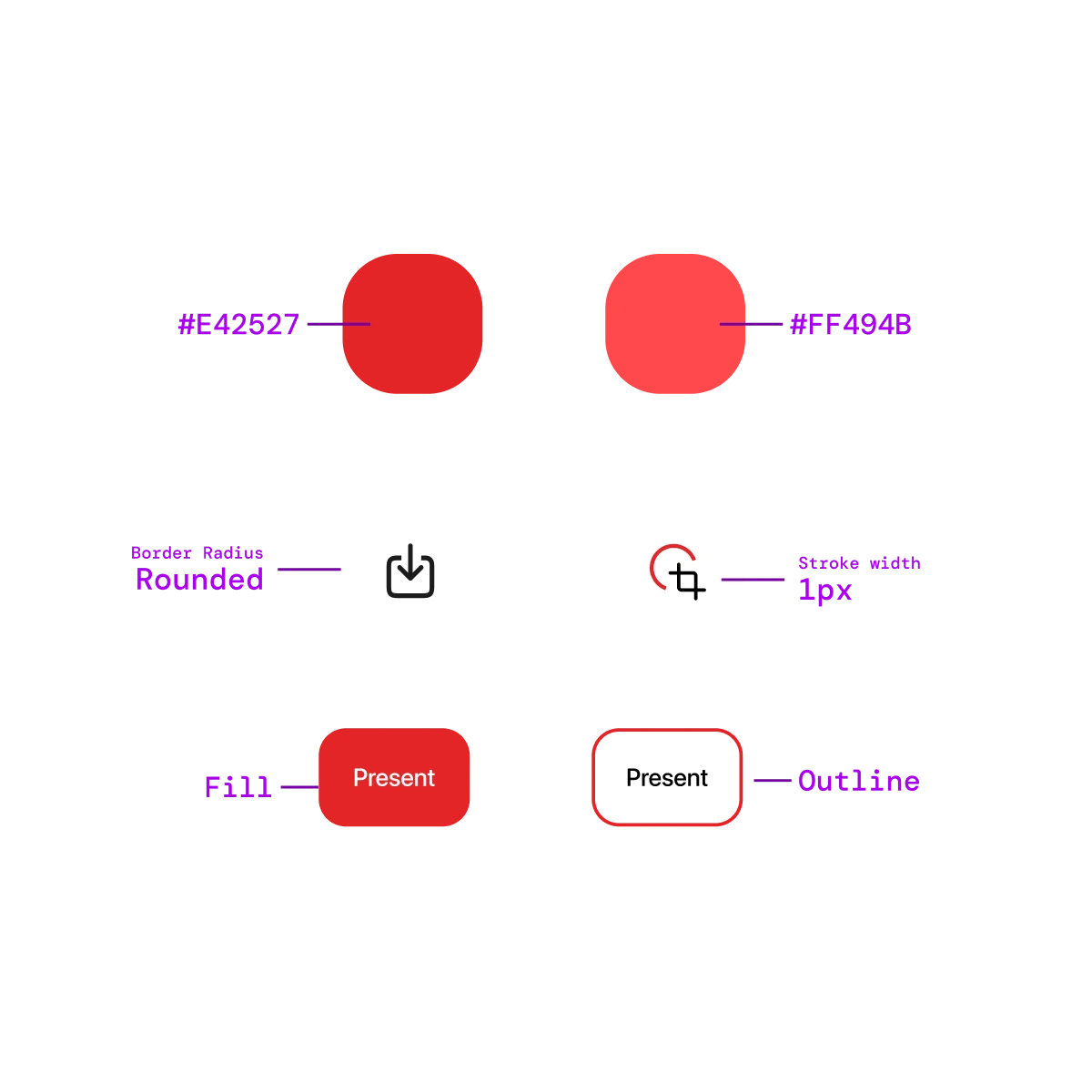
Designers were stuck refining the same elements repeatedly with no shared tokens or structure. Minor variations crept in — different border radii, spacing, and color values — breaking visual consistency and platform alignment.
This eventually revealed another core problem miscommunication between designers and developers, caused by the absence of shared guidelines, documentation, and a single source of truth.
Lack of Guidelines & Documentation
The research made it clear that there was no single source of truth guiding design or development decisions. Every designer interpreted components differently, and developers built their own versions to fill in missing details. Specs, behaviors, and usage rules were scattered or undocumented, leading to guesswork and inconsistent results.
Without clear guidelines, even small updates caused confusion and rework. The lack of documentation slowed down the process and it broke the alignment across teams and making consistency impossible to maintain.
Solution
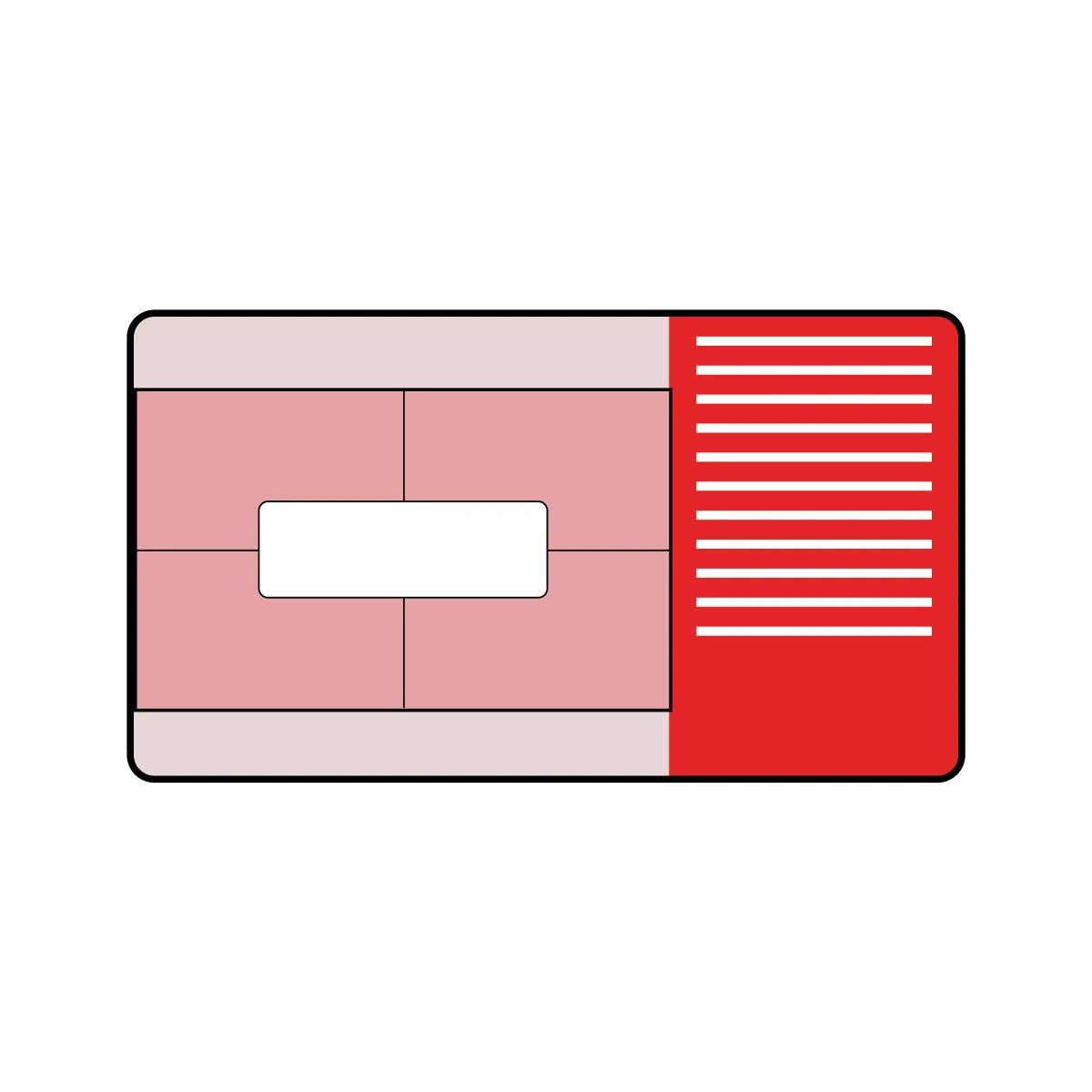
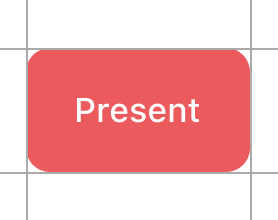
To address these issues, I analyzed Apple’s Design System and proposed building a structured system for Zoho Show. This involved replacing ad-hoc elements like labels placed within rectangles with native system components such as buttons, improving platform compatibility and ensuring a consistent user experience across devices.
Research & Transition
I studied Apple’s Human Interface Guidelines and internal documentation to determine how to transition existing designs into system components without compromising brand identity.
Developer Integration
We built a design system with tokens and reusable classes, making it easier for developers to implement designs accurately.
Standardized Workflow
I defined a clear process that all designers could follow, ensuring consistency across the team.
Design
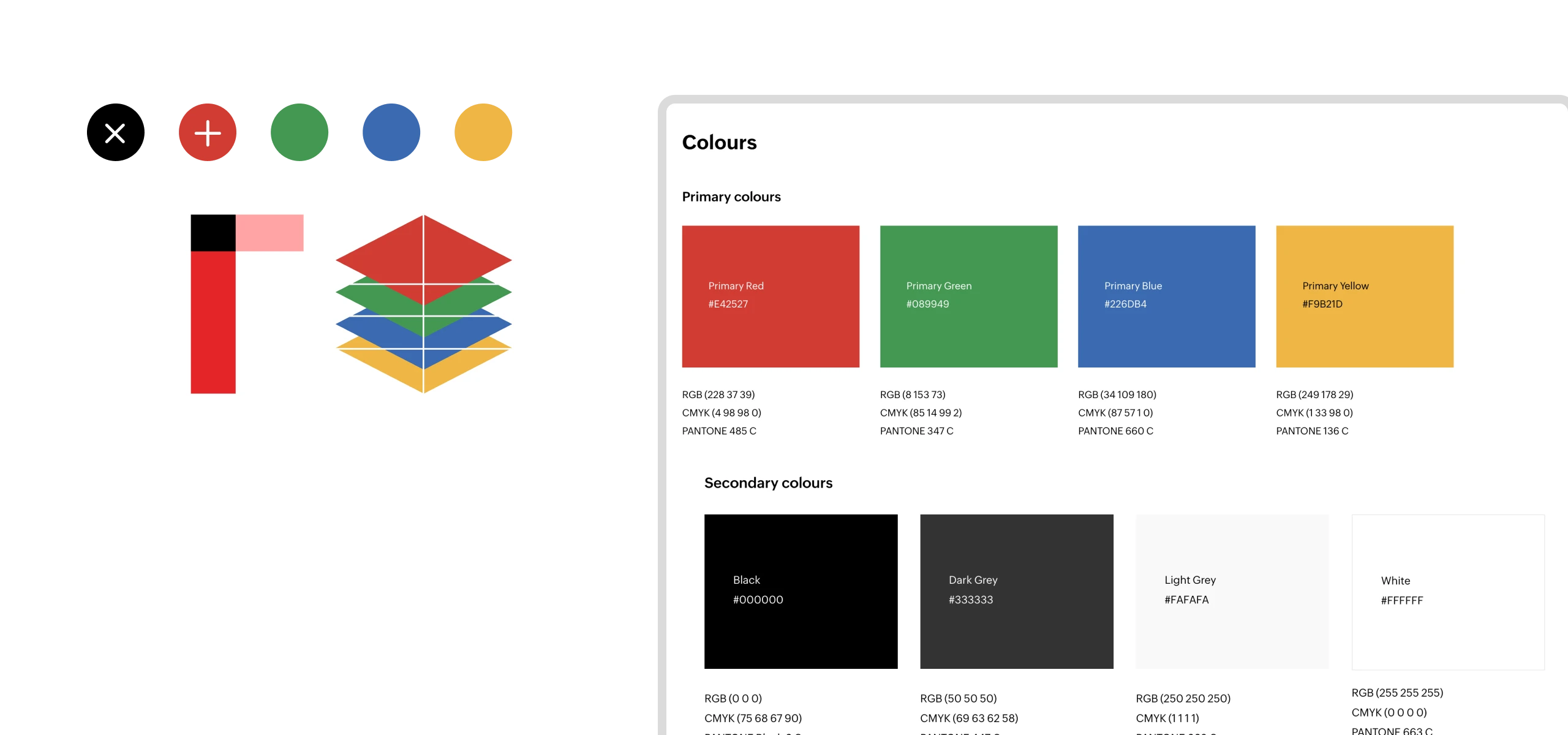
Created a style guide and reusable components based on Apple’s HIG, ensuring consistency across light and dark modes.
Tokenize
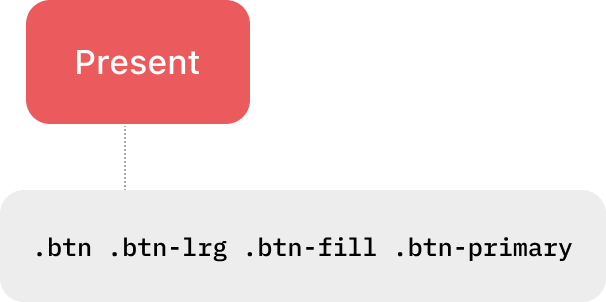
Mapped components to semantic tokens for scalability and structure.
Handoff
Integrated tokens and components directly in Figma to streamline developer handoff and reduce ambiguity during implementation.
Development
Developers utilize the integrated design system and its tokens, which were shipped as a library to build new features and simultaneously replace all old, ad-hoc UI elements with standardized components.
Design
Style Guide
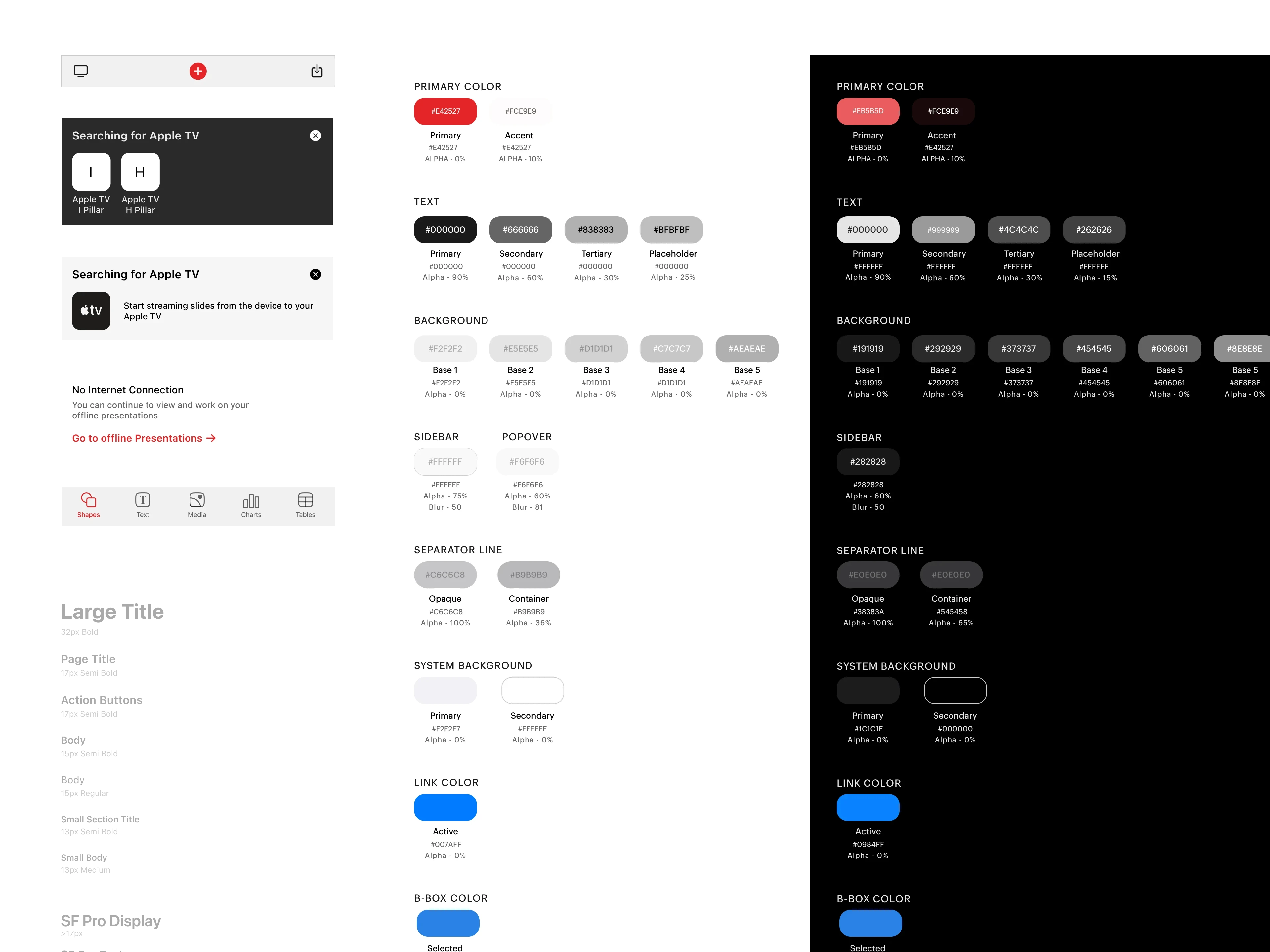
We tackled the initial "mismatch" and "inconsistencies" by establishing a clear Style Guide, which finally set the foundational rules for visual consistency
This guide was built on the foundation of the Apple Human Interface Guidelines , ensuring the app felt native to iOS while carefully preserving the unique visual DNA of the Zoho brand.
Components
Building upon the Style Guide, we adapted the Atomic Design approach to ensure that consistency extended to the fundamental structure of all app elements. Components were broken down into their smallest parts, such as Atoms (Typography, Icons, Colors), then assembled into Molecules (Buttons), and finally into complex Organisms (Alignment controls) , providing a scalable and highly consistent component library.
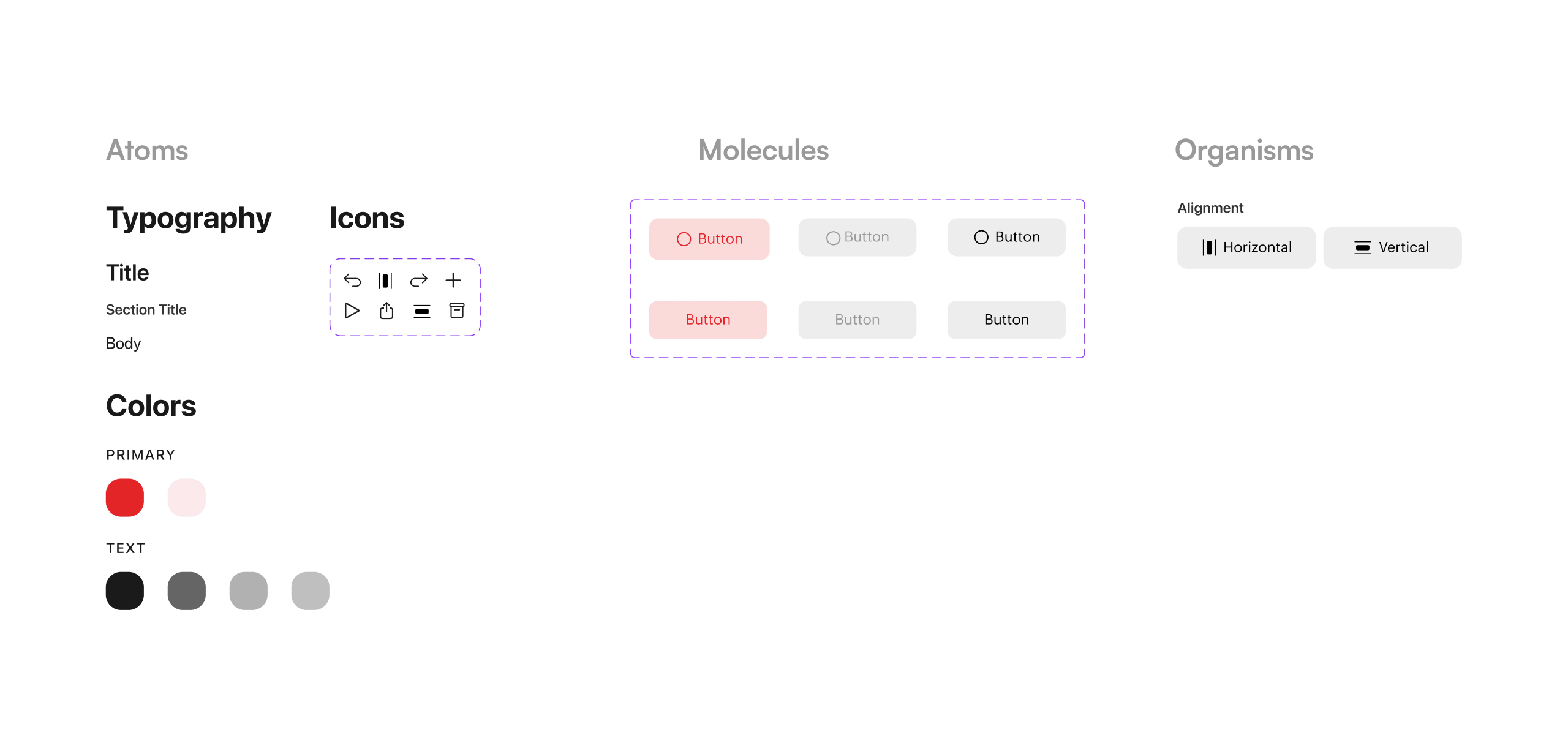
By creating a foundational Style Guide and a library of reusable components, the team established a single source of truth. This unified approach resolved the core issues of platform inconsistency and redundant design effort, ensuring the app felt cohesive and polished across both light and dark modes .
Tokenize
Define Tokens
Established a Comprehensive Semantic Token System
We mapped components to a system of semantic tokens for both scalability and structure, moving beyond hardcoded values.
Defined Intent-Based Token Categories
Tokens were defined to categorize visual elements by their functional intent (e.g., Neutral, Primary, Success for feedback) and variations (e.g., Fill, Outline), which allows for consistent, rapid theming across all component types.
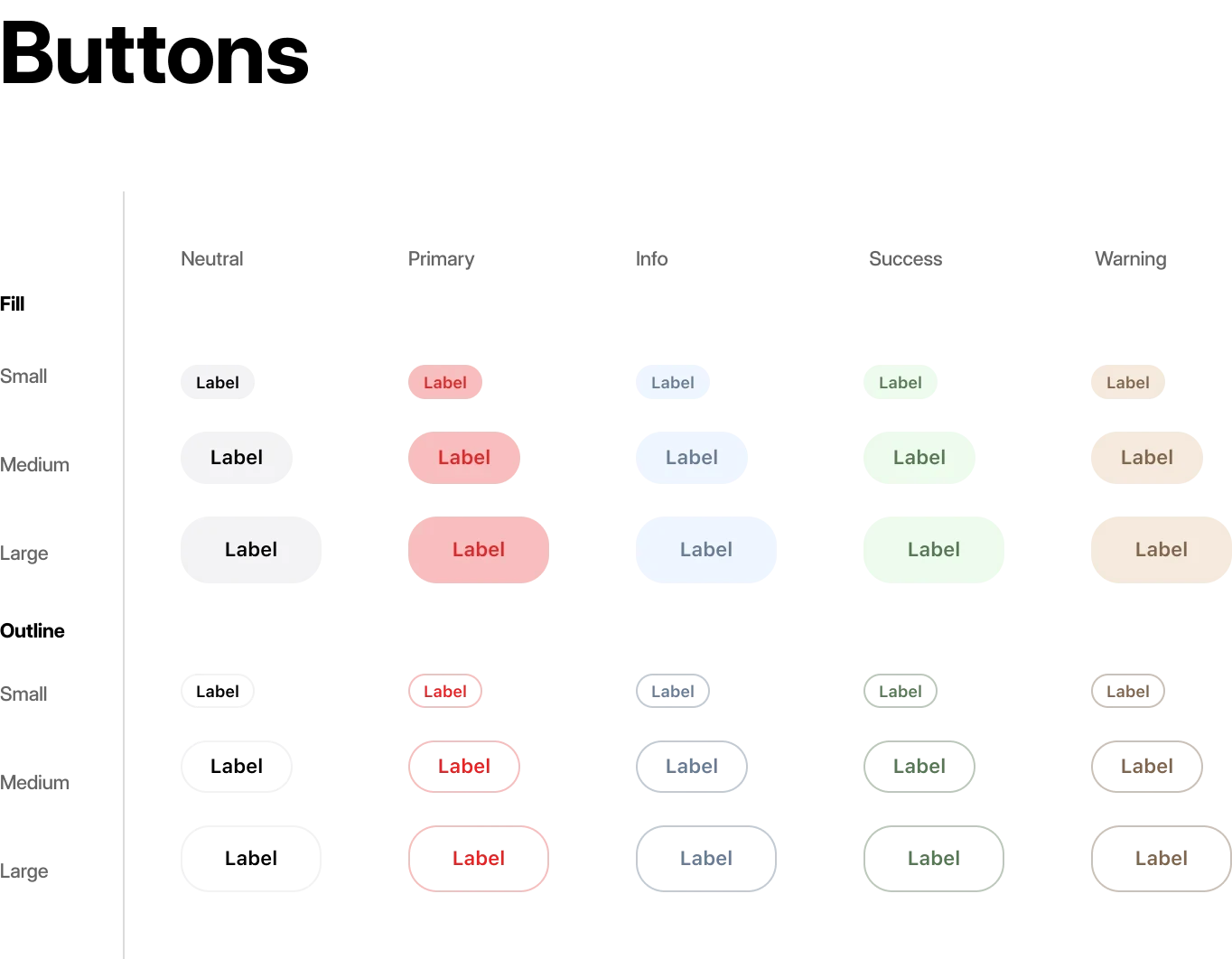
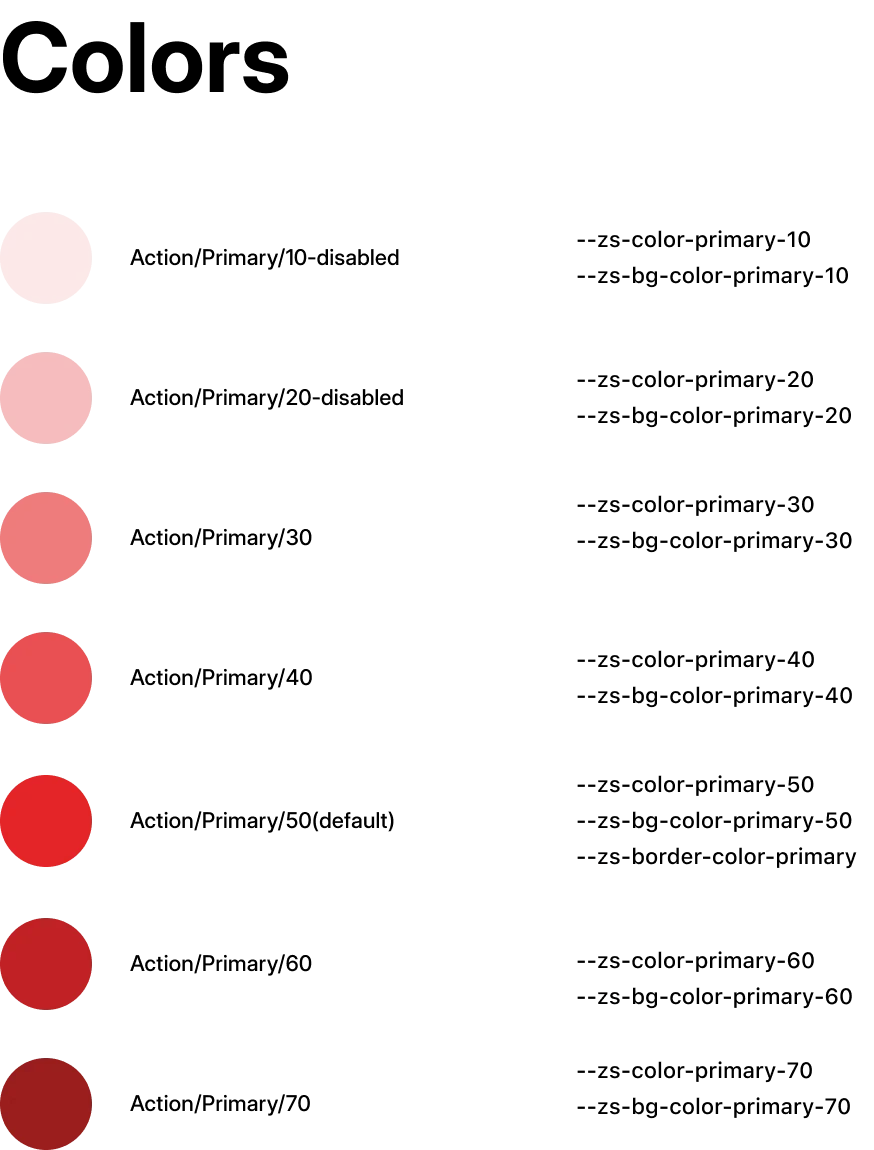
The shift to a semantic token system was a crucial turning point, moving the app's design from brittle to scalable. By defining a system based on intent rather than hardcoded values, the team set the stage for rapid, system-wide updates, making future theming and platform scaling a simple, manageable process.
Handoff
Documentation
Clear documentation became a key part of the workflow. Each component included specs, behavior notes, and API references so developers understood not just how a component looked, but how it was intended to behave in different states and contexts.
This created a shared reference point for both design and engineering, reducing guesswork and eliminating back-and-forth clarification. By standardizing how components were described and handed off, we ensured consistency across features and made development more predictable and scalable.
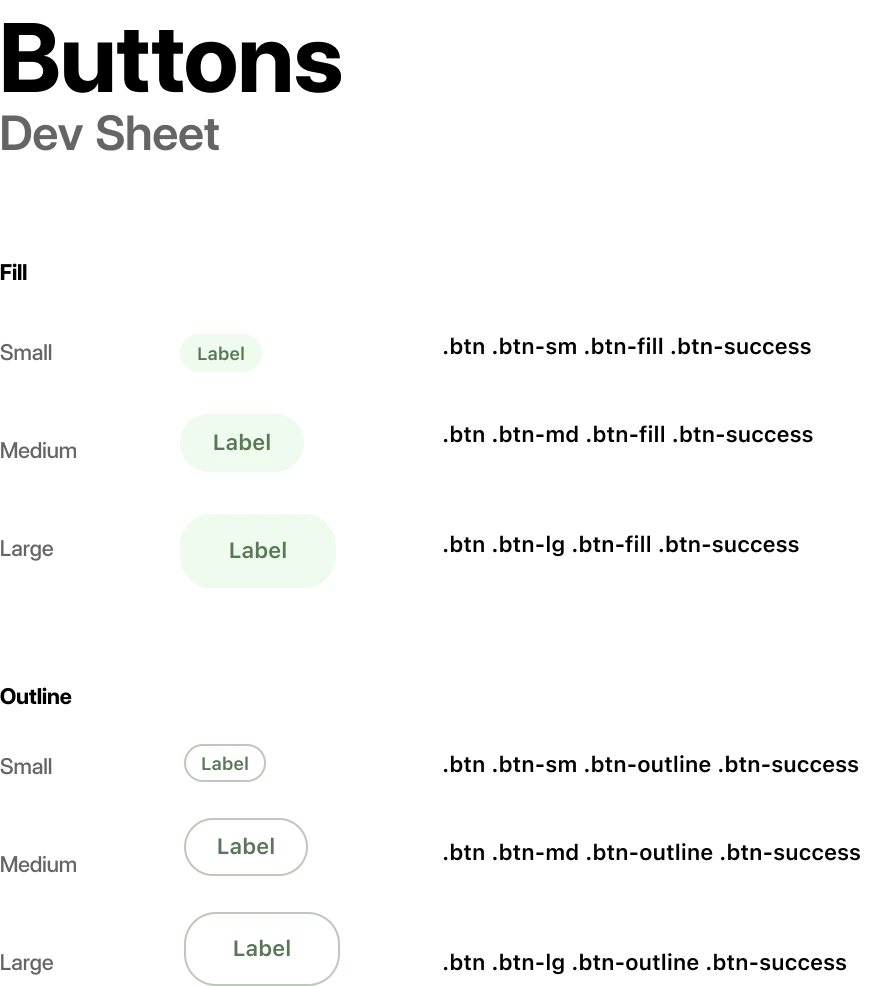
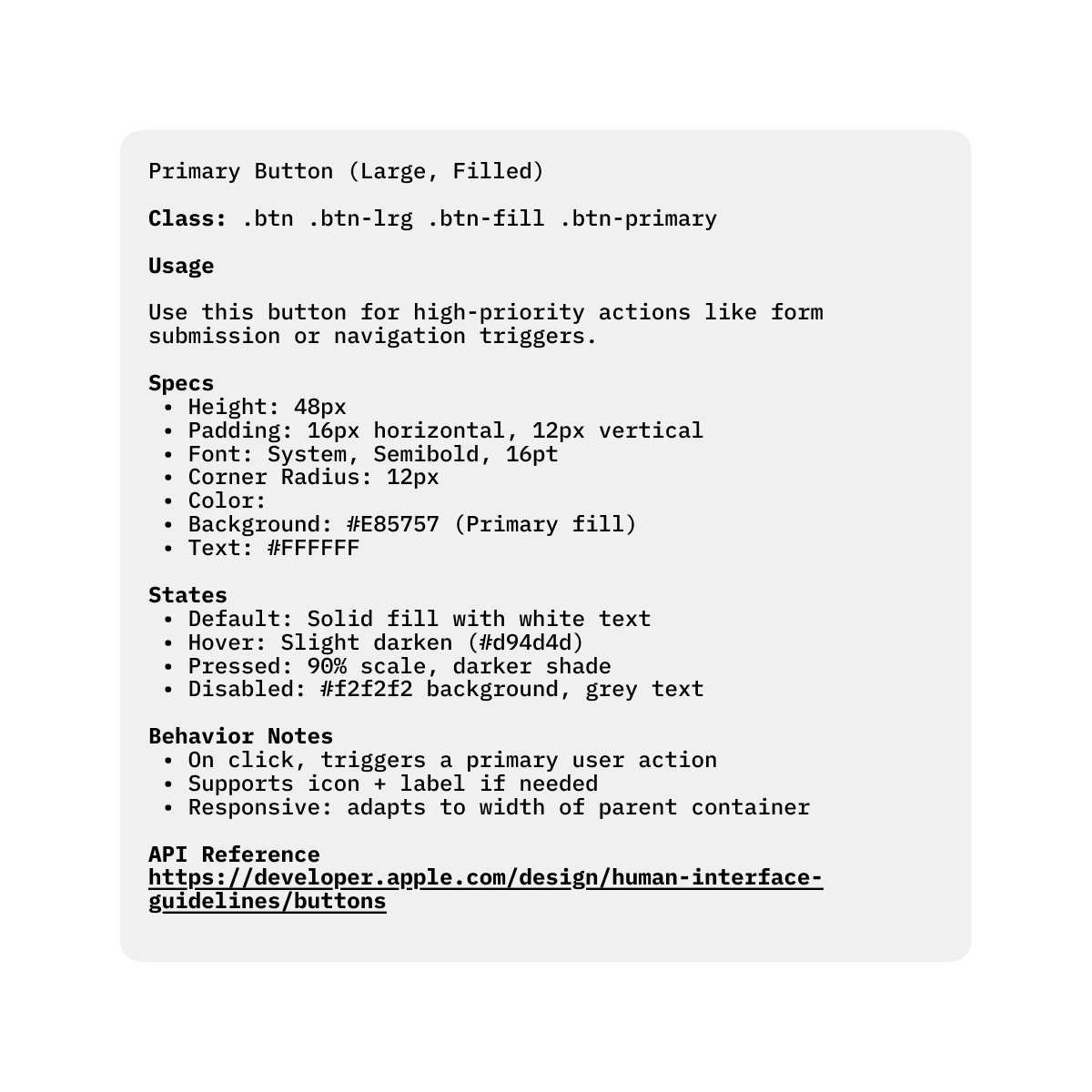
With clear documentation connecting the new tokens and components directly into the workflow, the ambiguity that slowed down the team was resolved . This streamlined handoff process bridged the gap between design and development, allowing developers to build with confidence and precision, free from the guesswork of the old system .
Development
Building New Features
With a consistent component library and clear usage guidelines in place, developers could plug in standardized UI patterns instead of having to interpret or recreate them. This removed guesswork during implementation and reduced back-and-forth with design. As a result, building new features became more about functionality and logic, rather than UI reconstruction.
Replacing Ad-hoc Elements
Ad-hoc elements were replaced with system-native components, leveraging platform APIs for better optimization and consistency.
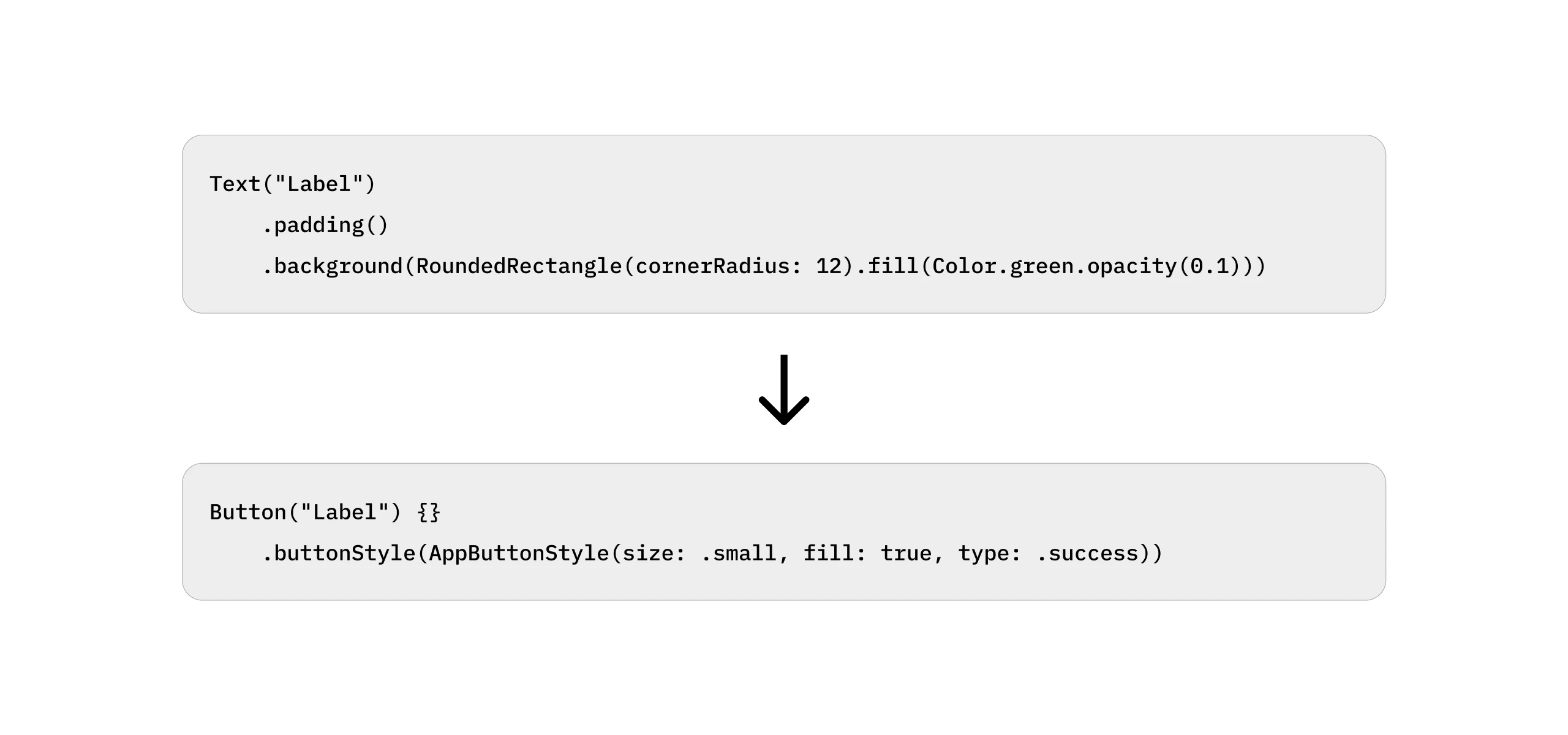
The final phase of replacing legacy code with new, system-native components unlocked dramatic, measurable performance gains. This systematic cleanup directly addressed years of technical debt and performance lag. The new, lighter codebase, in some cases, reducing four lines of code to just one, led directly to a 46% reduction in render time and a 39% reduction in development time.
Enabling Faster Feature Scaling Across Platforms
Following the redesign, the improved design system and proposed workflow enabled the team to efficiently roll out new features across macOS, iOS, and iPadOS. With a unified component library and standardized interaction patterns, features could be seamlessly adapted across platforms.
Some of the key enhancements introduced after the redesign include:
iOS
Mobile-First Design
After the web, usage shifted significantly towards mobile phones, so we decided to focus on mobile.
Gesture Integration
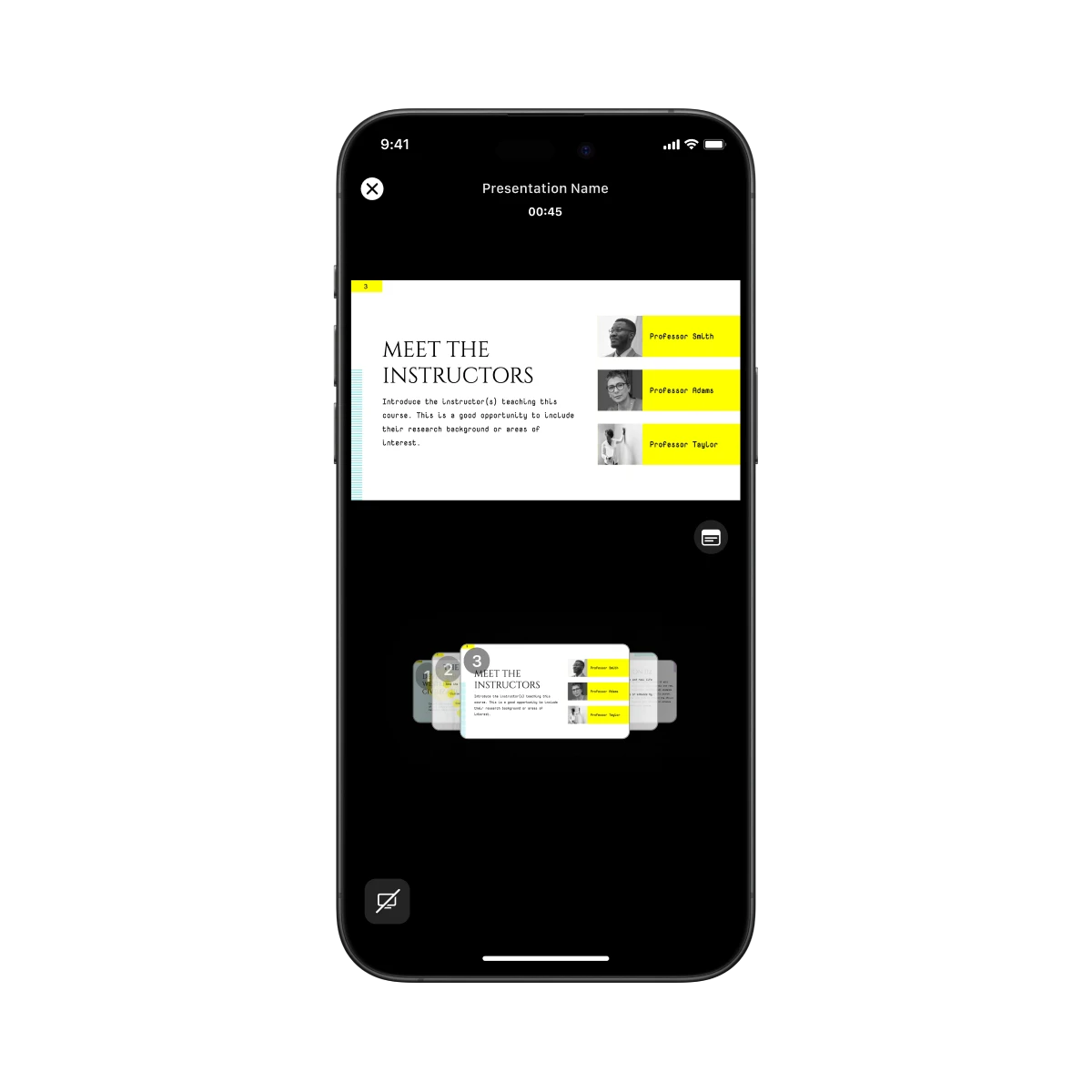
Leveraged iOS's rich gesture vocabulary, allowing users to navigate, edit, and present with intuitive swipes, pinches, and taps.
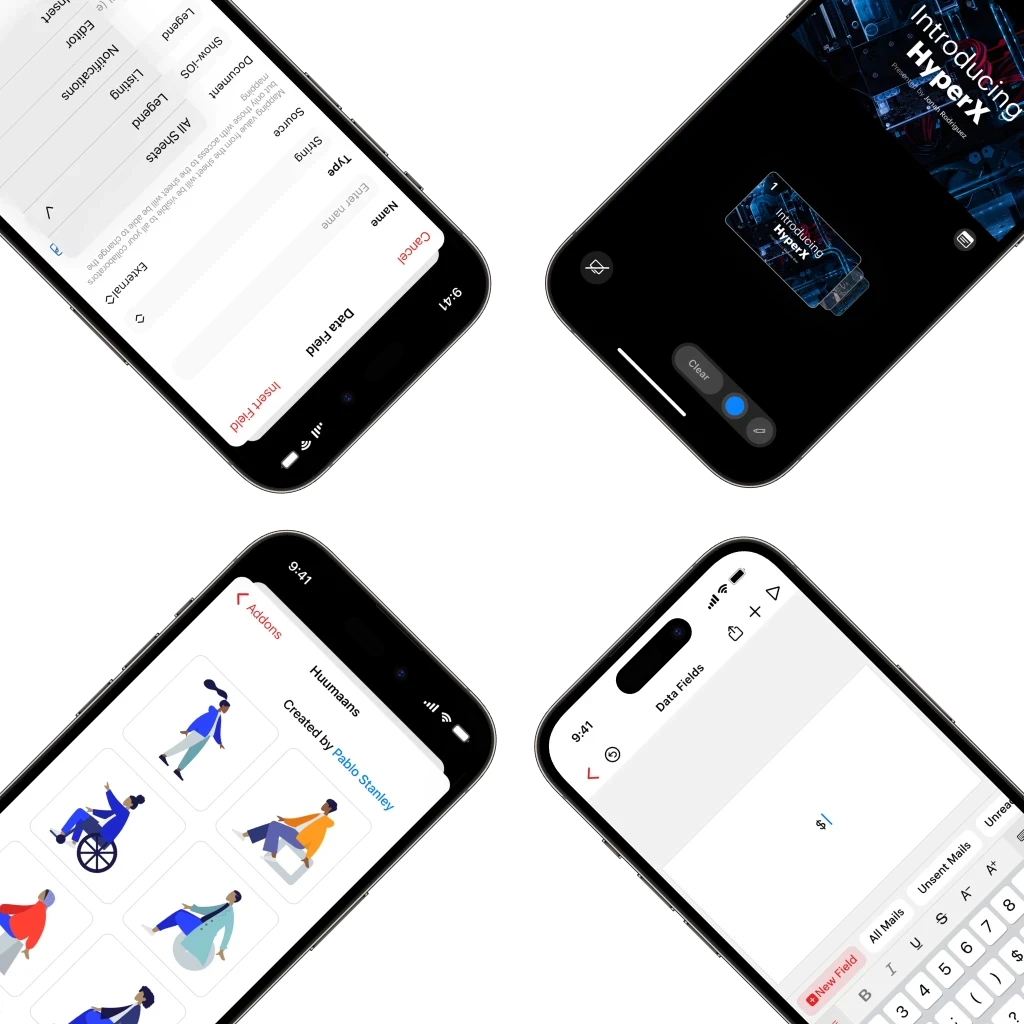
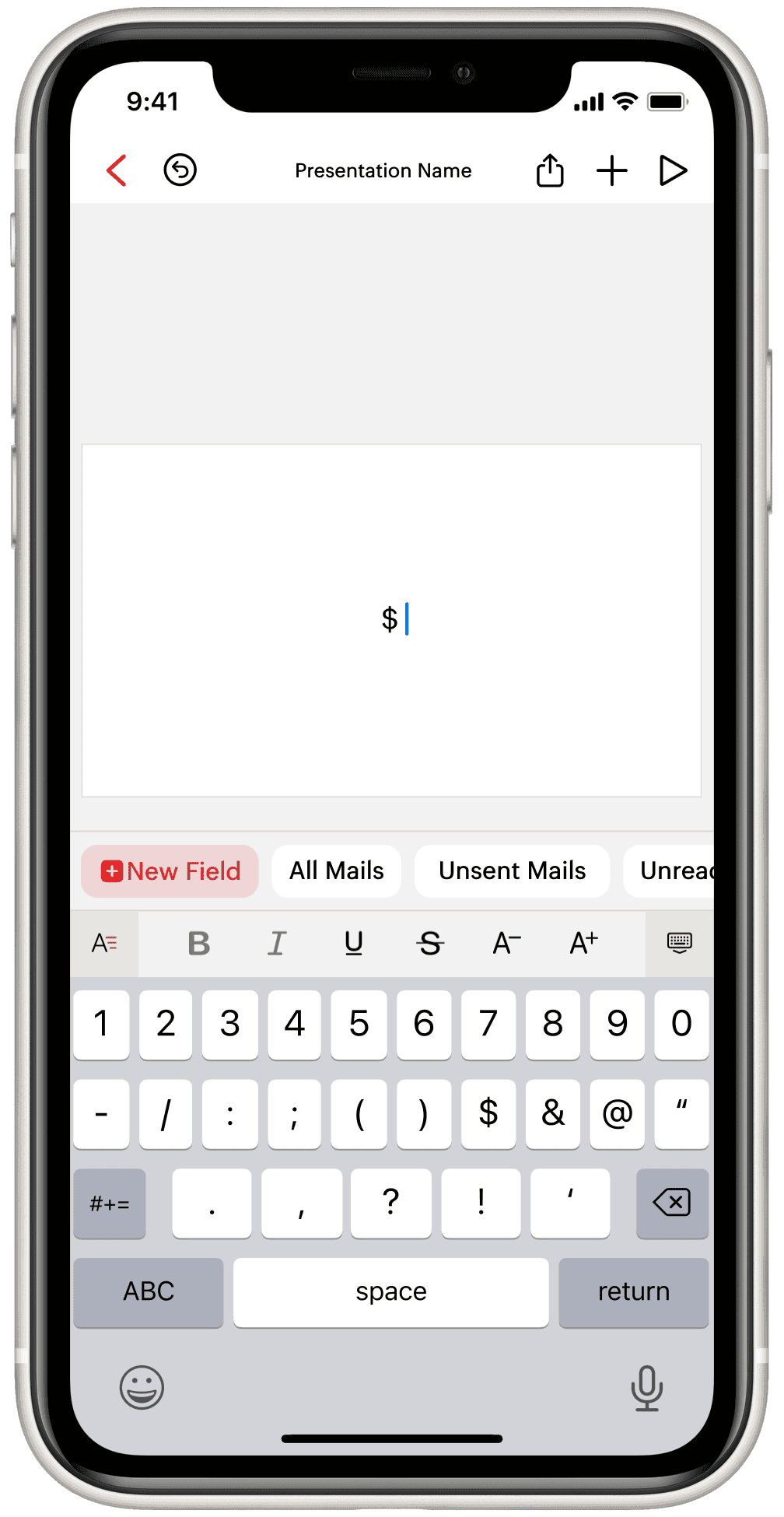 Data Fields
Enabling personalized, auto-filled presentations.
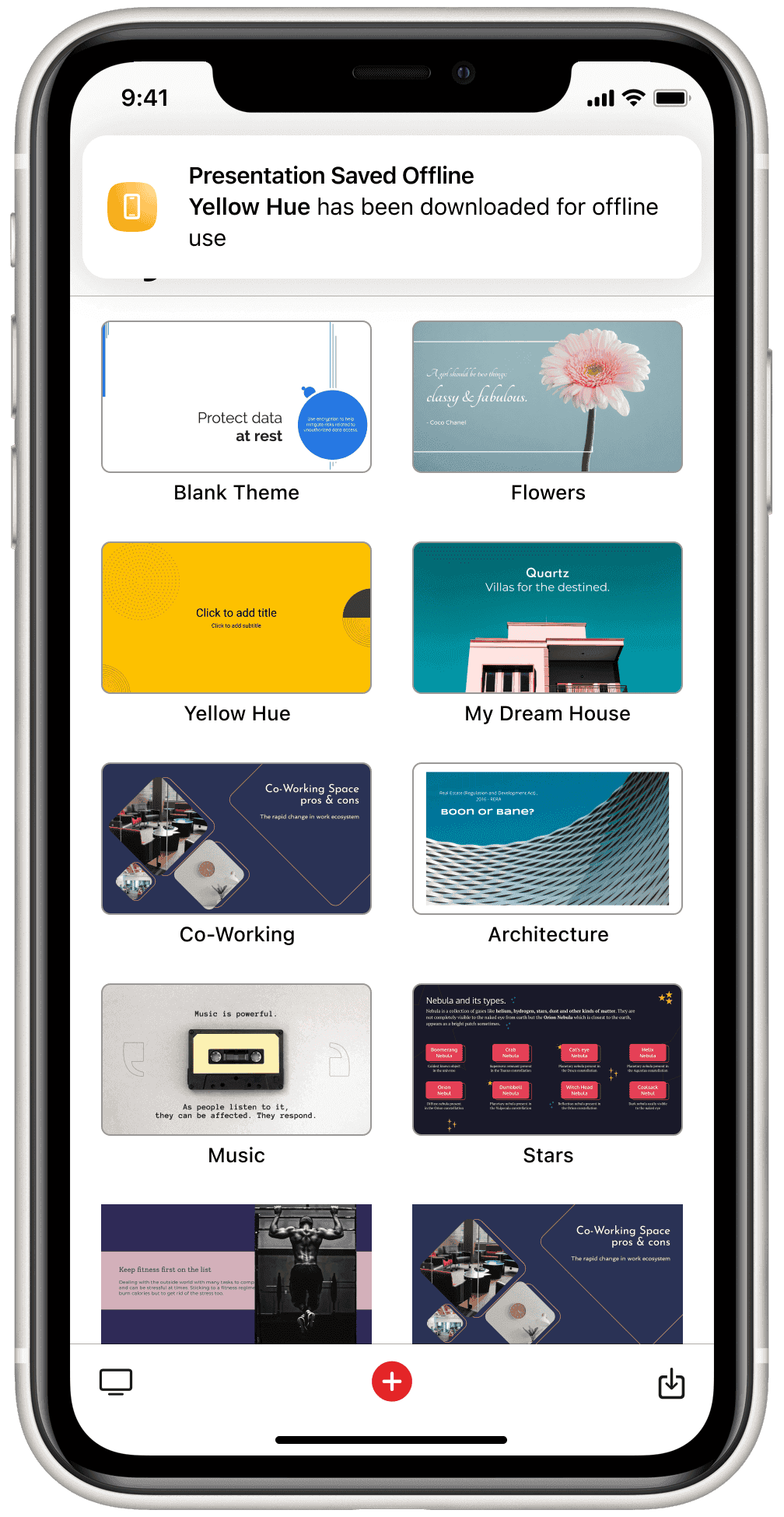 In-App Notifications
Alerts guiding users through save, import, and sync processes.
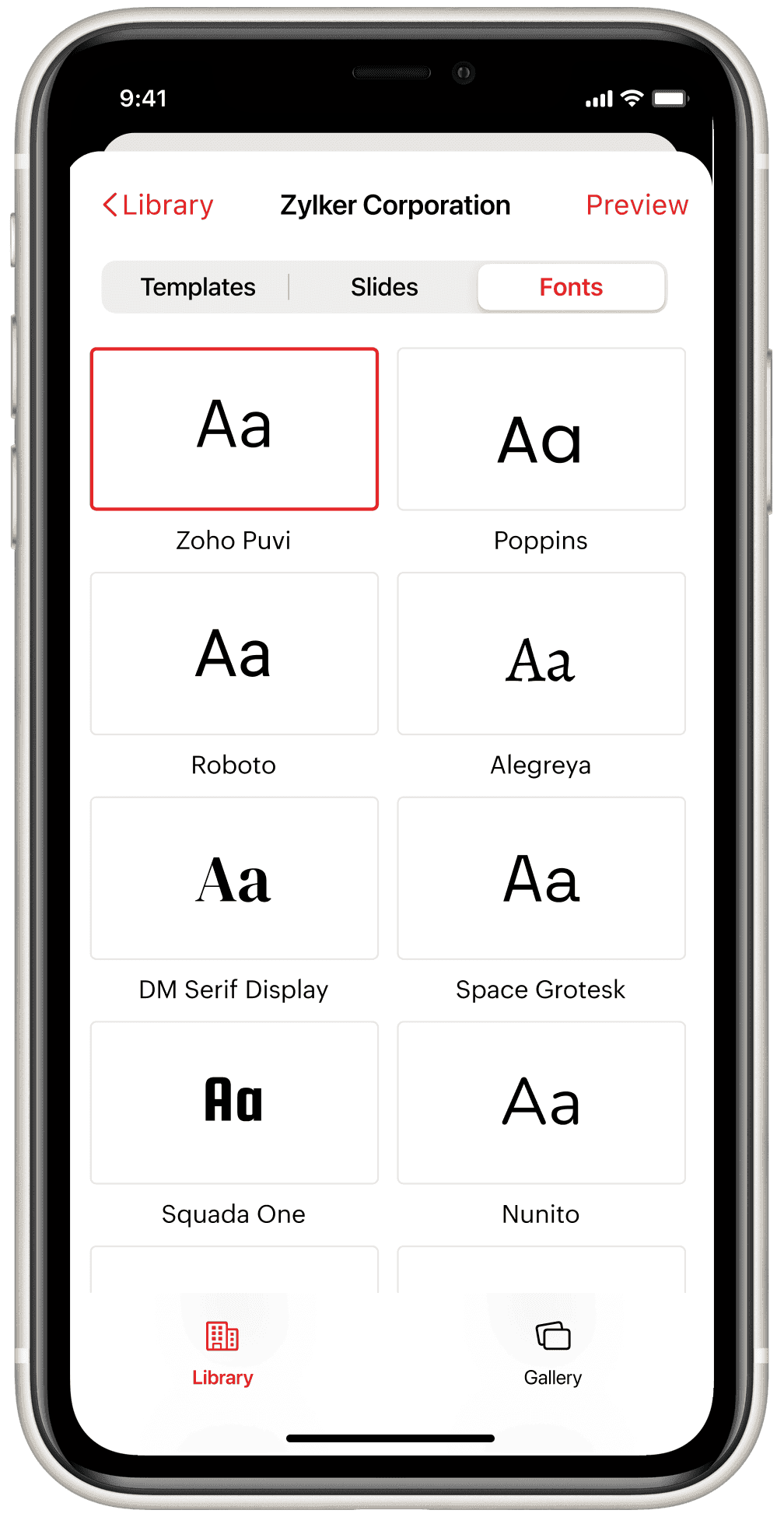
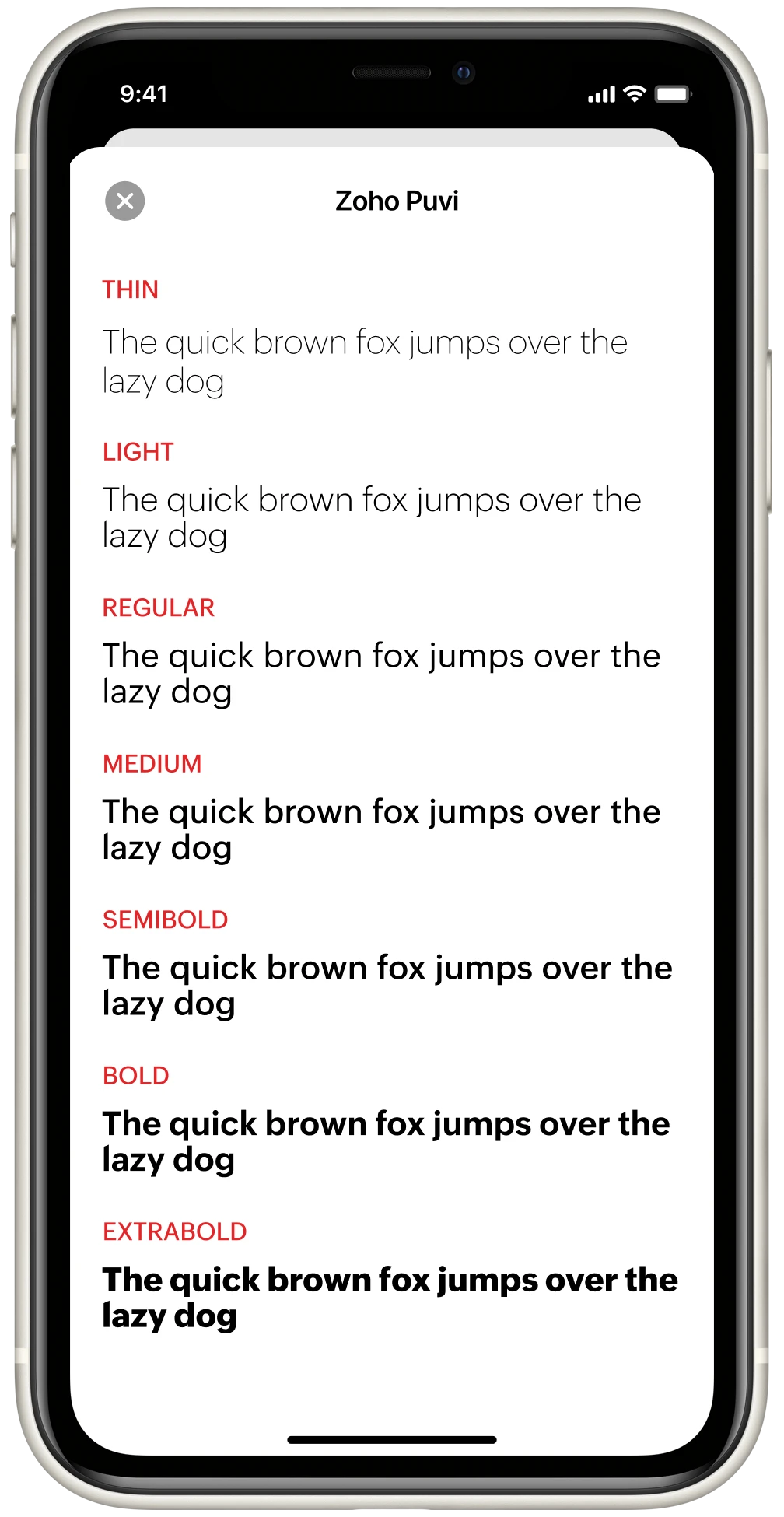 Font Preview
Display a range of weights and style of a selected font.
 Font Book
Typography panel listing all system and imported fonts.
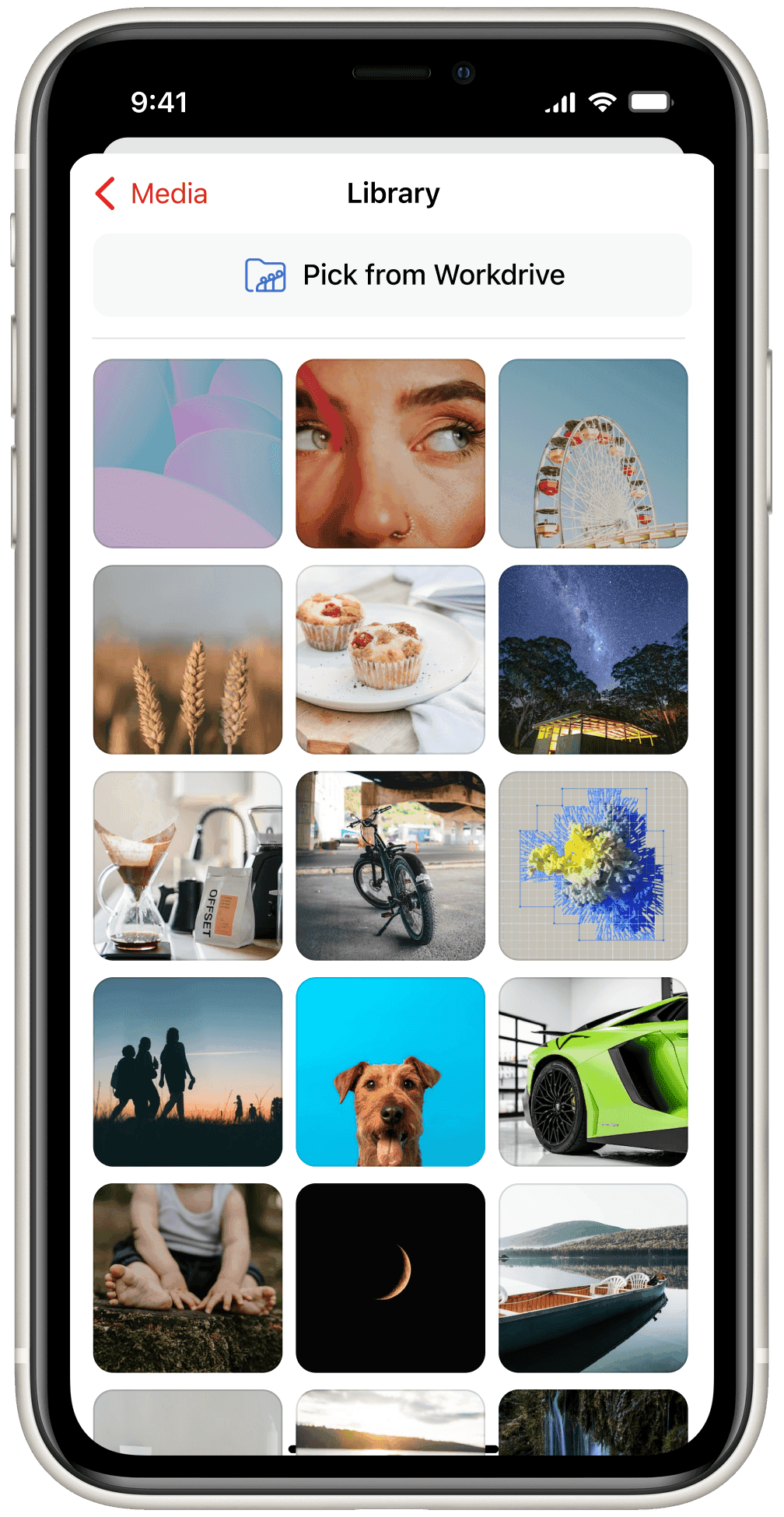 Media Library
Designed for easy discovery and reuse of shared assets.
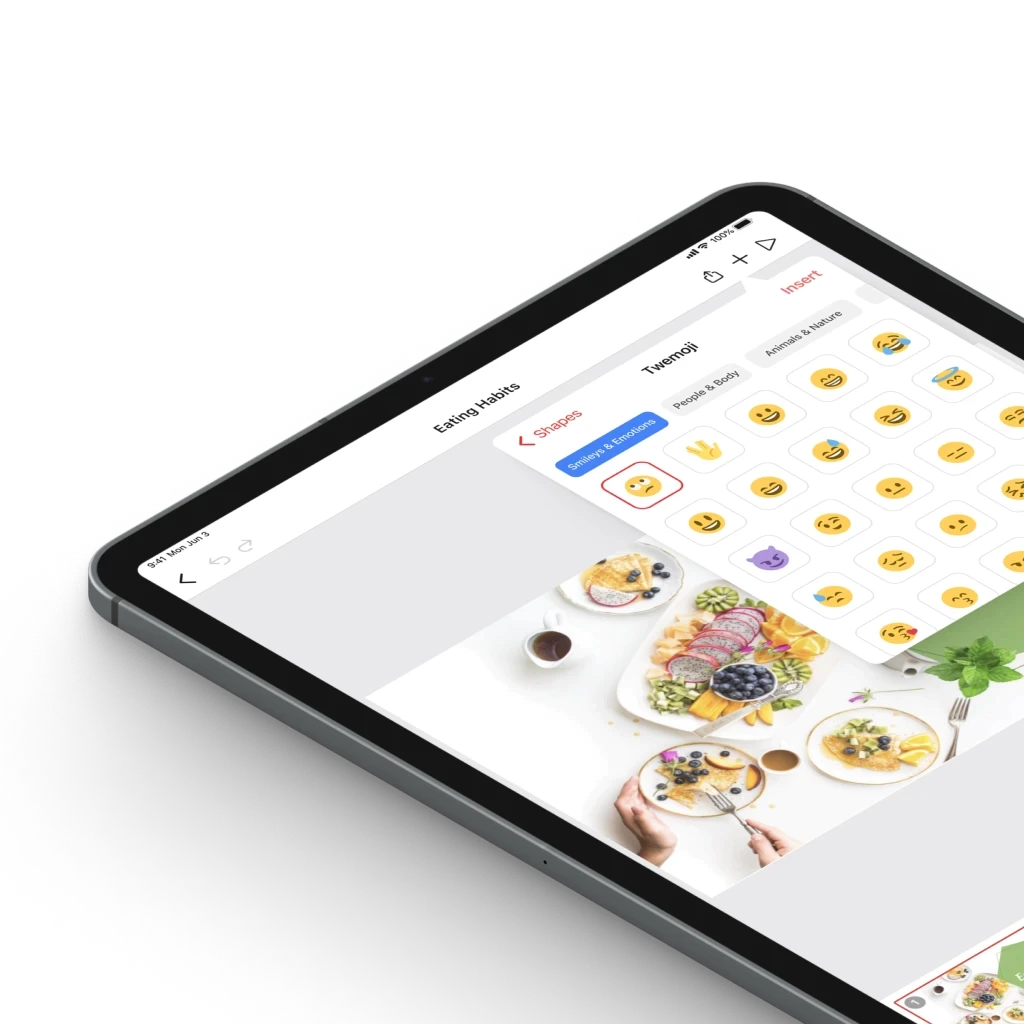
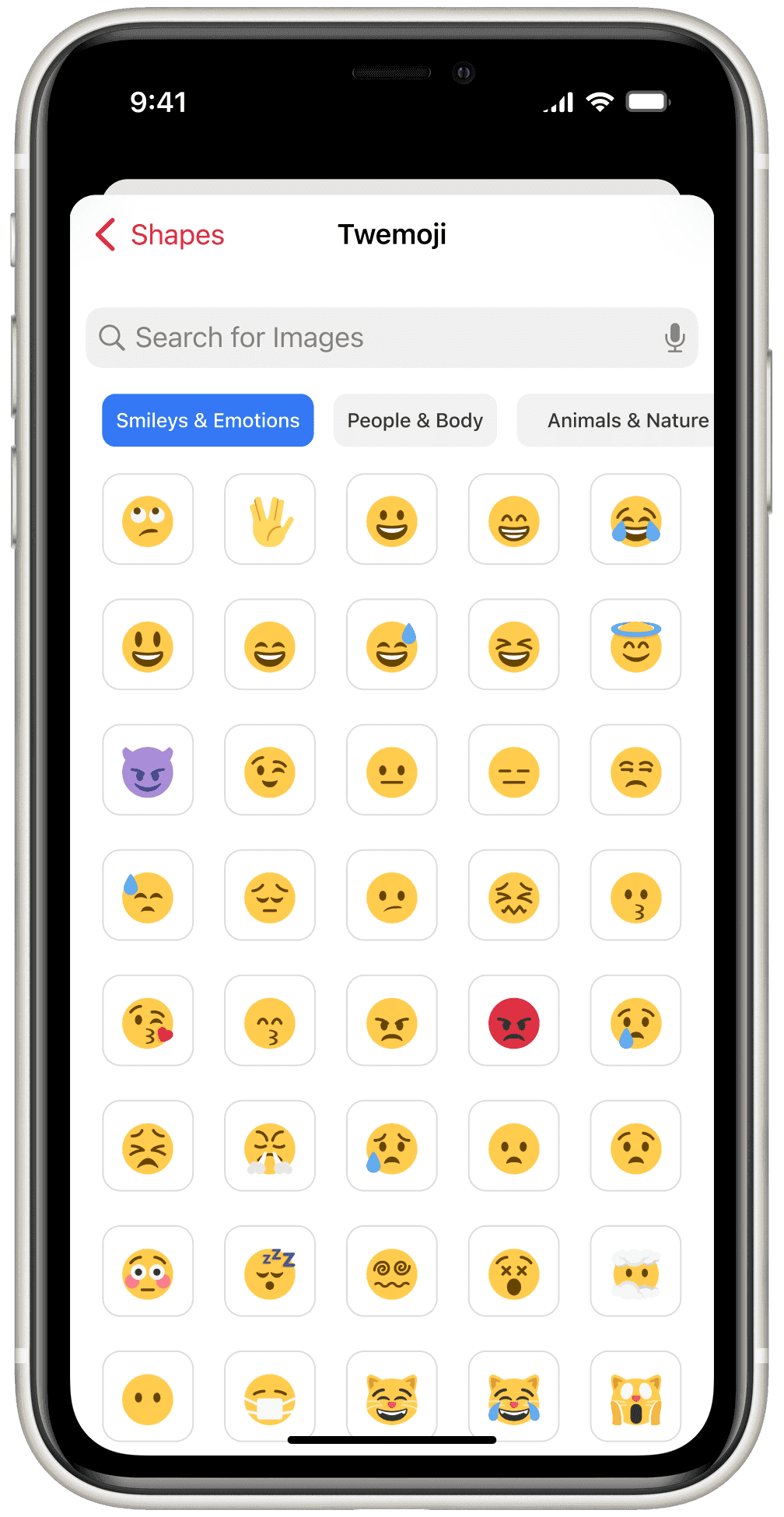 Insert Twemoji
Designed to organize hundreds of emojis without overwhelming users.
iPadOS
While iPadOS shares the same DNA as iOS, the iPad offers expanded capabilities such as multitasking, Split View, and Apple Pencil support and larger canvas.
We crafted an immersive, device-native experience rather than a scaled-up iPhone interface.
Optimized for the larger screen, supports multitouch, and integrates with iPad-specific functionalities like Apple Pencil and advanced multitasking.
This approach provides an immersive, iPad-centric user experience, rather than just a scaled-up version.
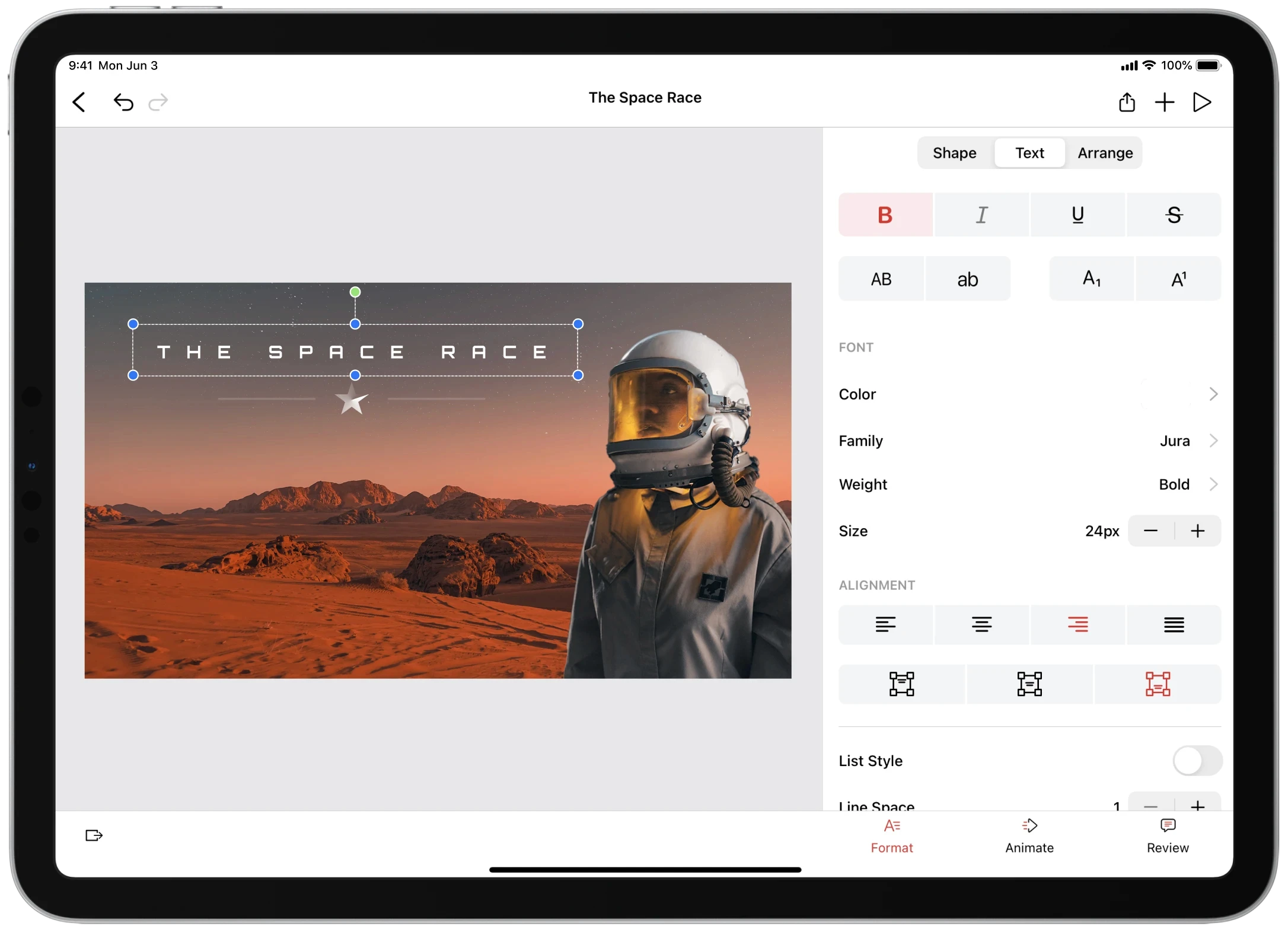 Text Formatting
Real-time text formatting experience optimized for minimal UI interference.
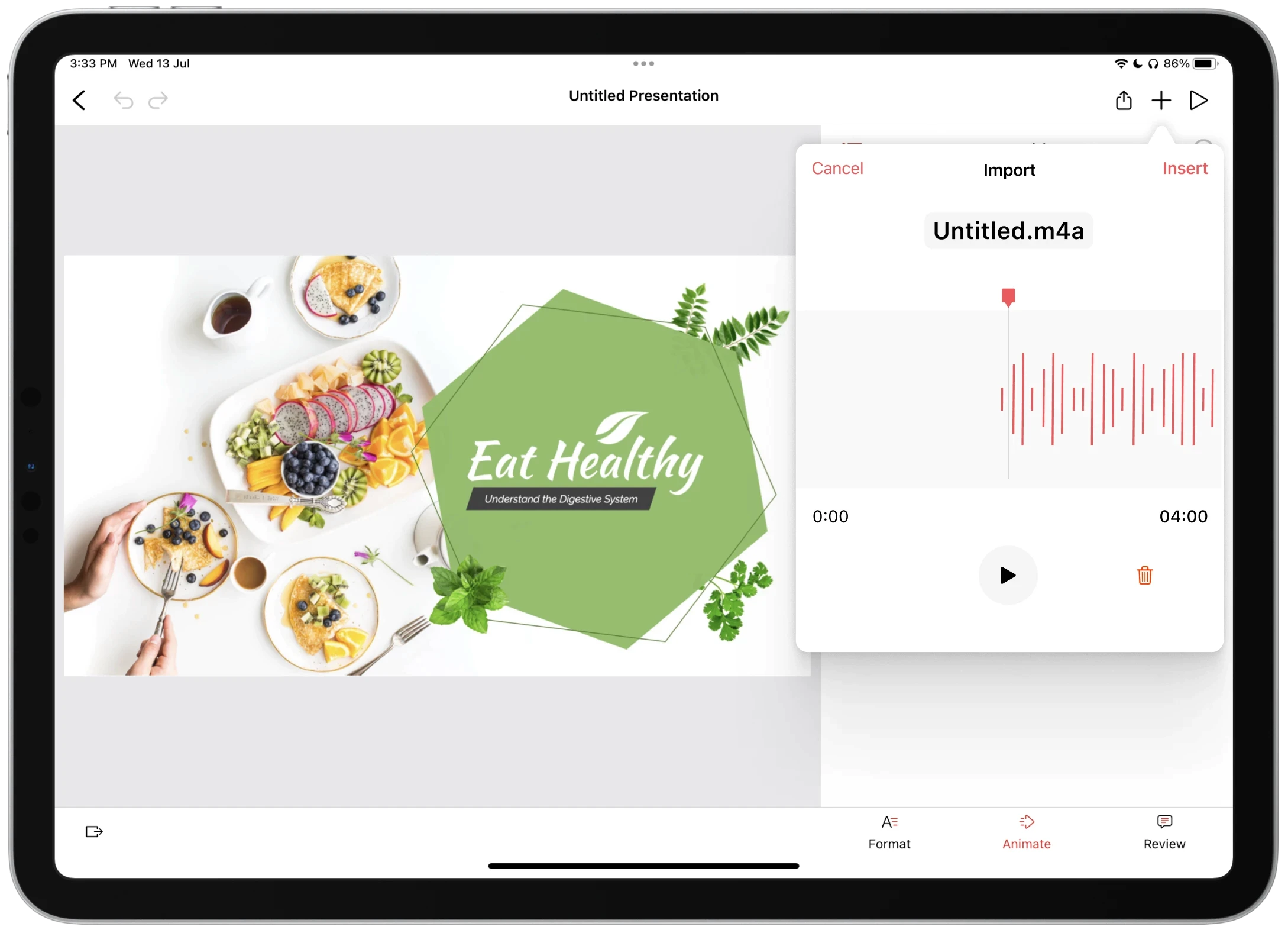 Audio Import
Slide-level audio management interface supporting playback and deletion.
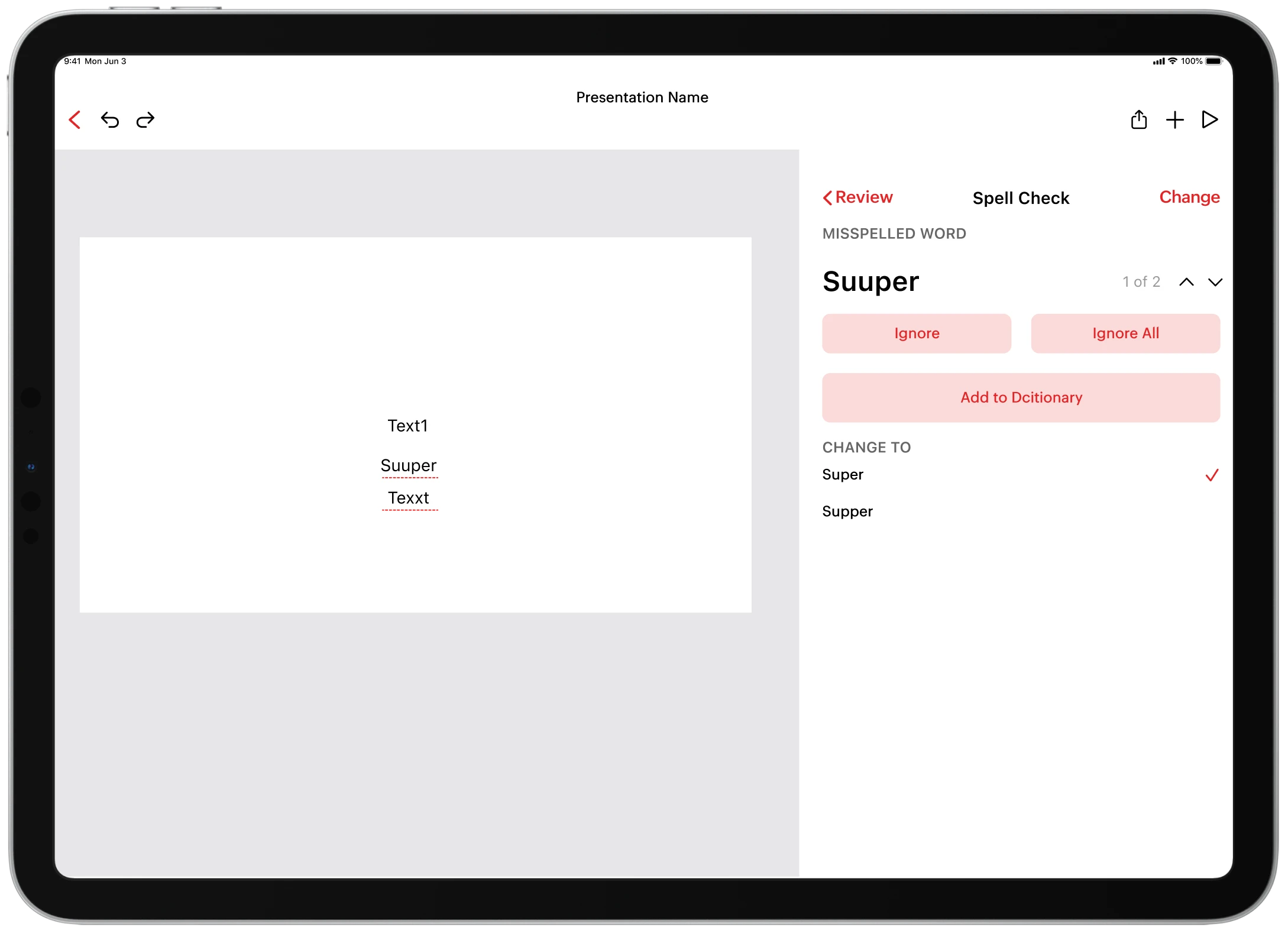 Spell Check
Enhanced writing tools with live spell checking and custom dictionary support.
macOS
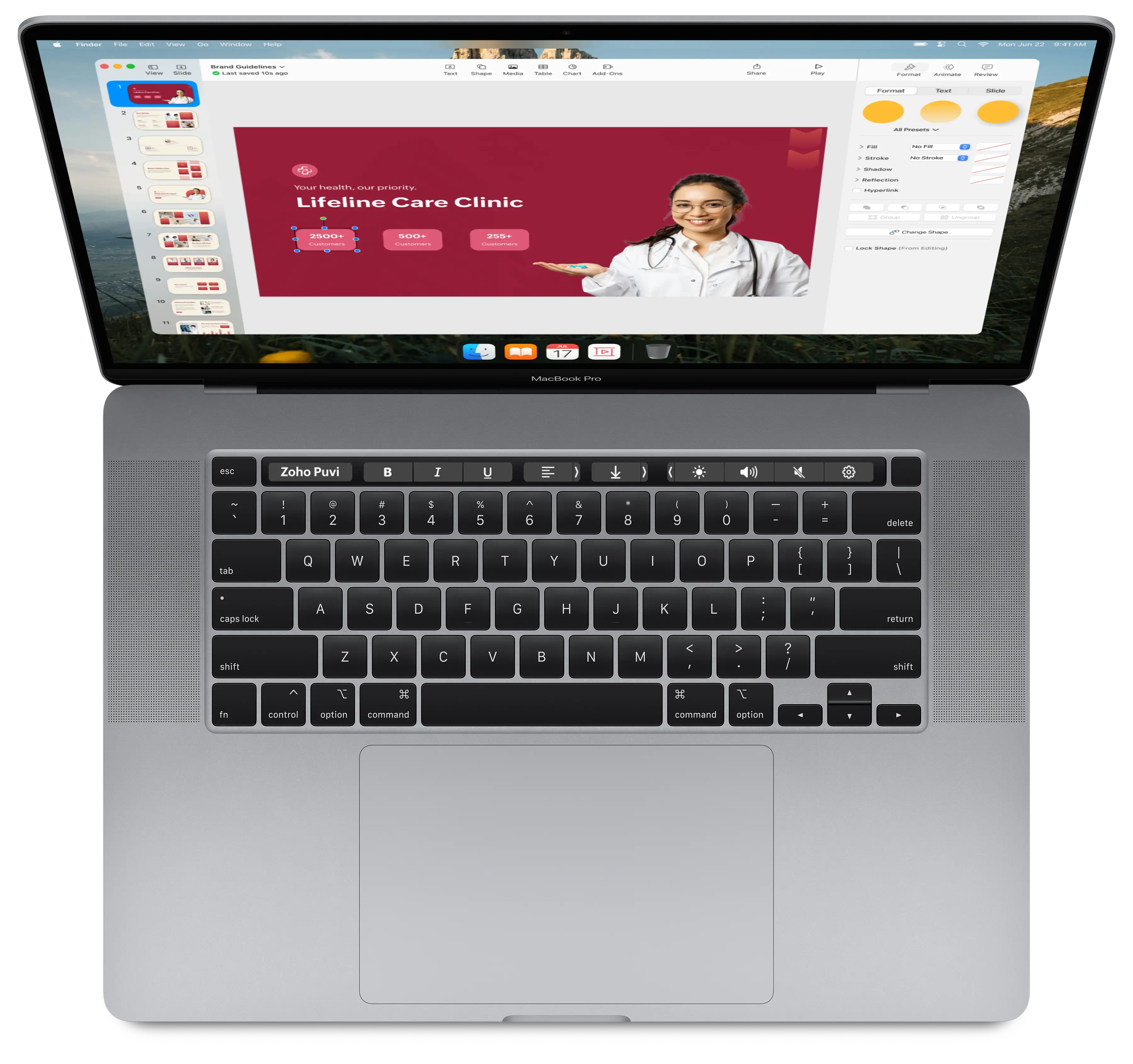
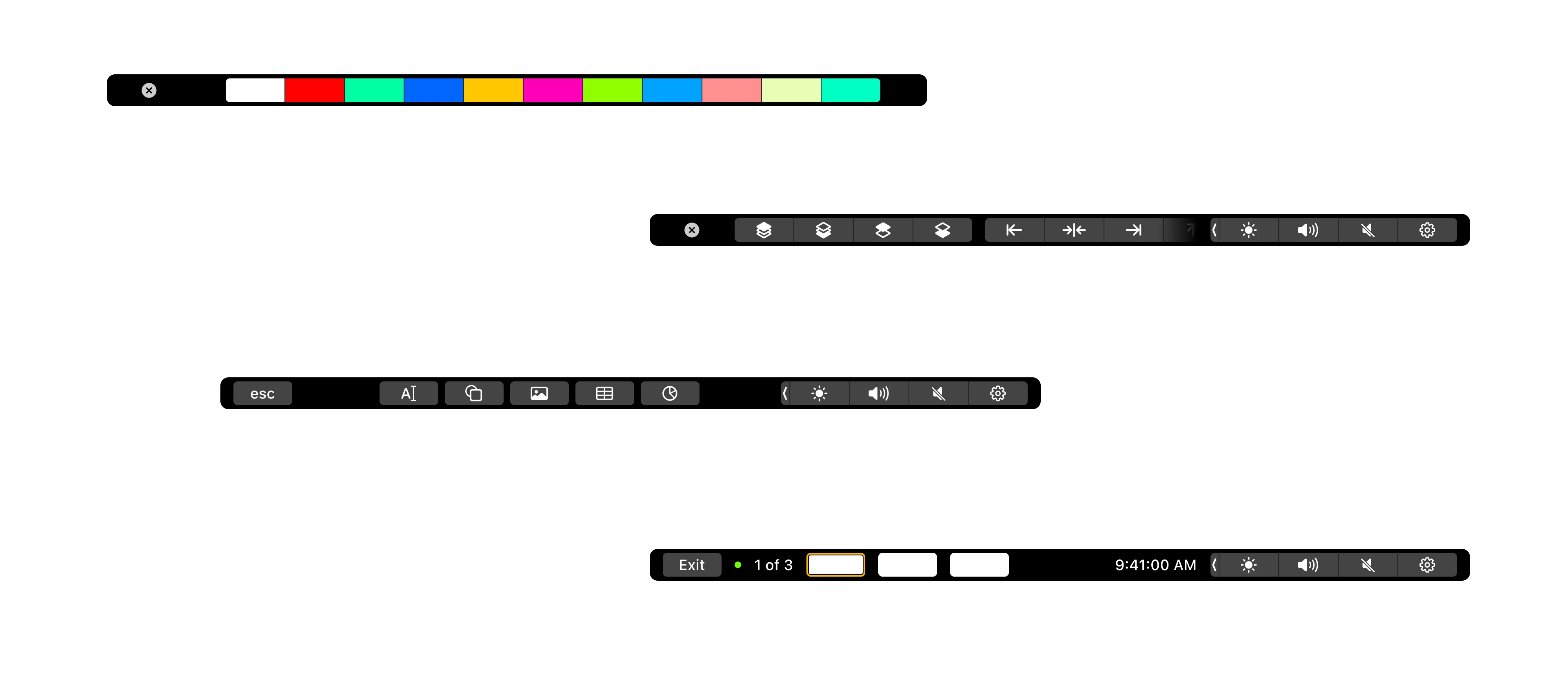
The evolution of our project required extending this design system to macOS, a platform with distinct user interactions and larger screens, while retaining the DNA of its iOS and iPadOS origins.
These improvements leverage the Touch Bar's unique capabilities to streamline workflow and offer intuitive controls for a more efficient and engaging presentation design process.
The evolution of our project required extending this design system to macOS, a platform with distinct user interactions, larger screens, and a different usage context, while retaining the core DNA of its iOS and iPadOS origins.
These improvements leverage the Touch Bar's unique capabilities to streamline workflow and offer intuitive controls for a more efficient and engaging presentation design process.
tvOS
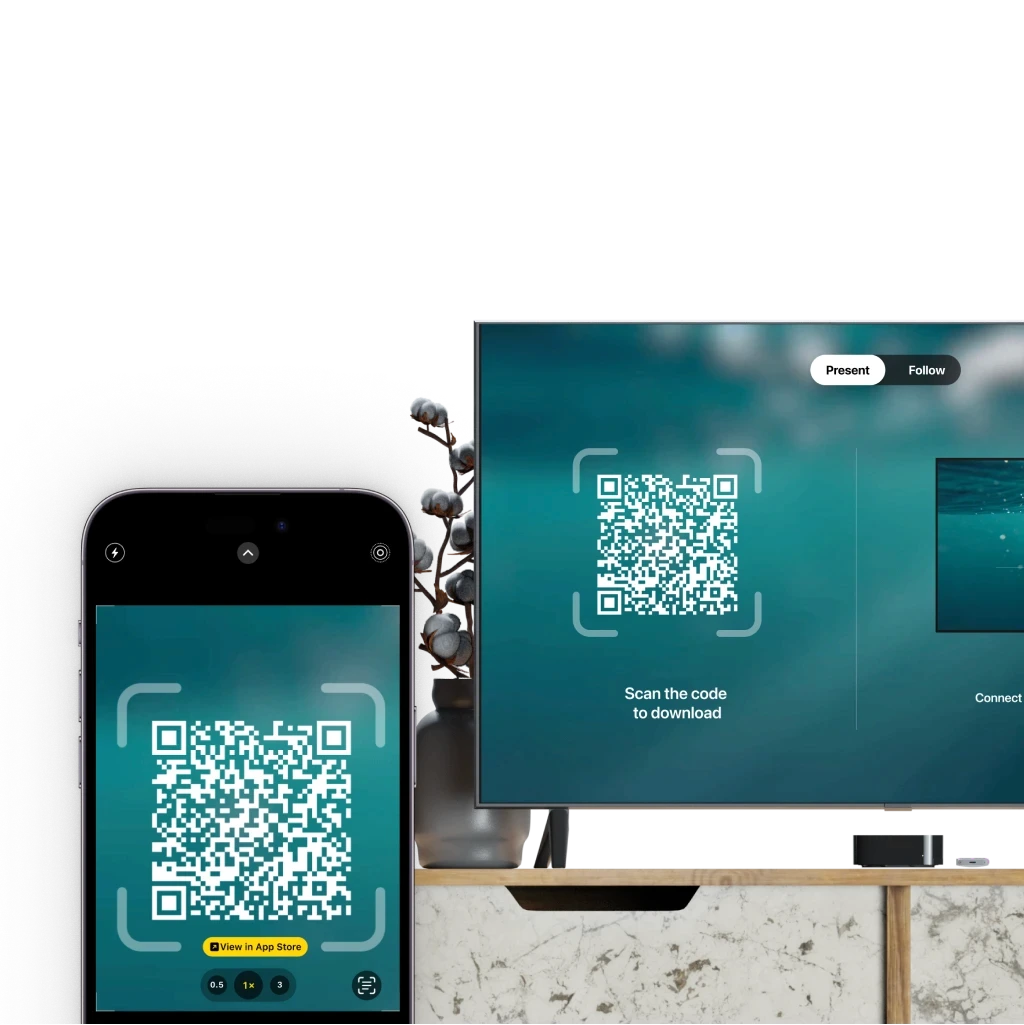
Onboarding Experience for Apple TV
Streamlined the onboarding process to enhance user engagement on Apple TV.
Simplified Navigation
Recognizing the remote-driven interaction of Apple TV, I designed a streamlined interface that's easy to navigate from the couch.
Slide Controls Design
Developed intuitive slide controls to improve user interaction within the app.
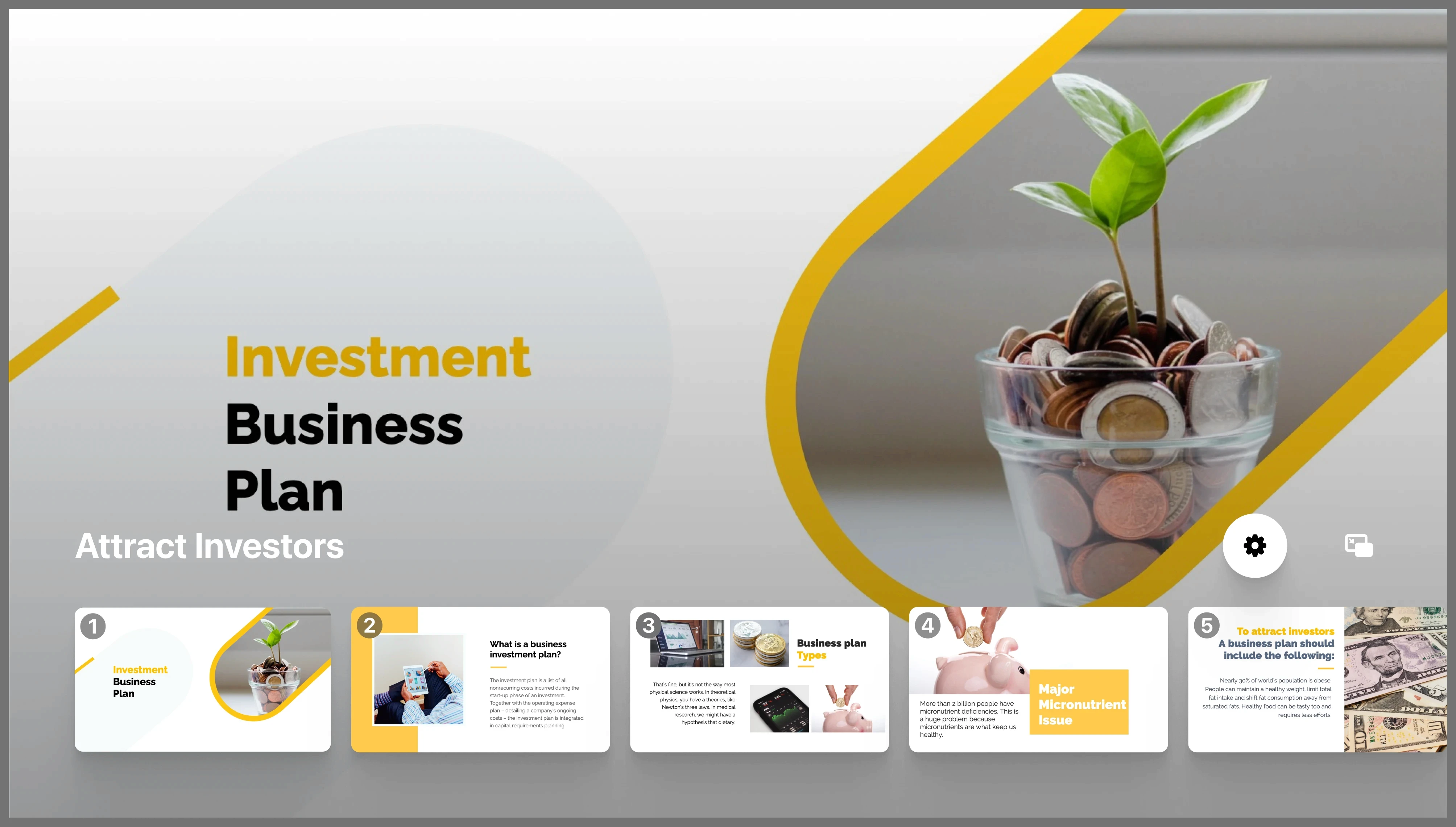 Slide Navigation
Adapted from native iOS and iPadOS design patterns for familiarity
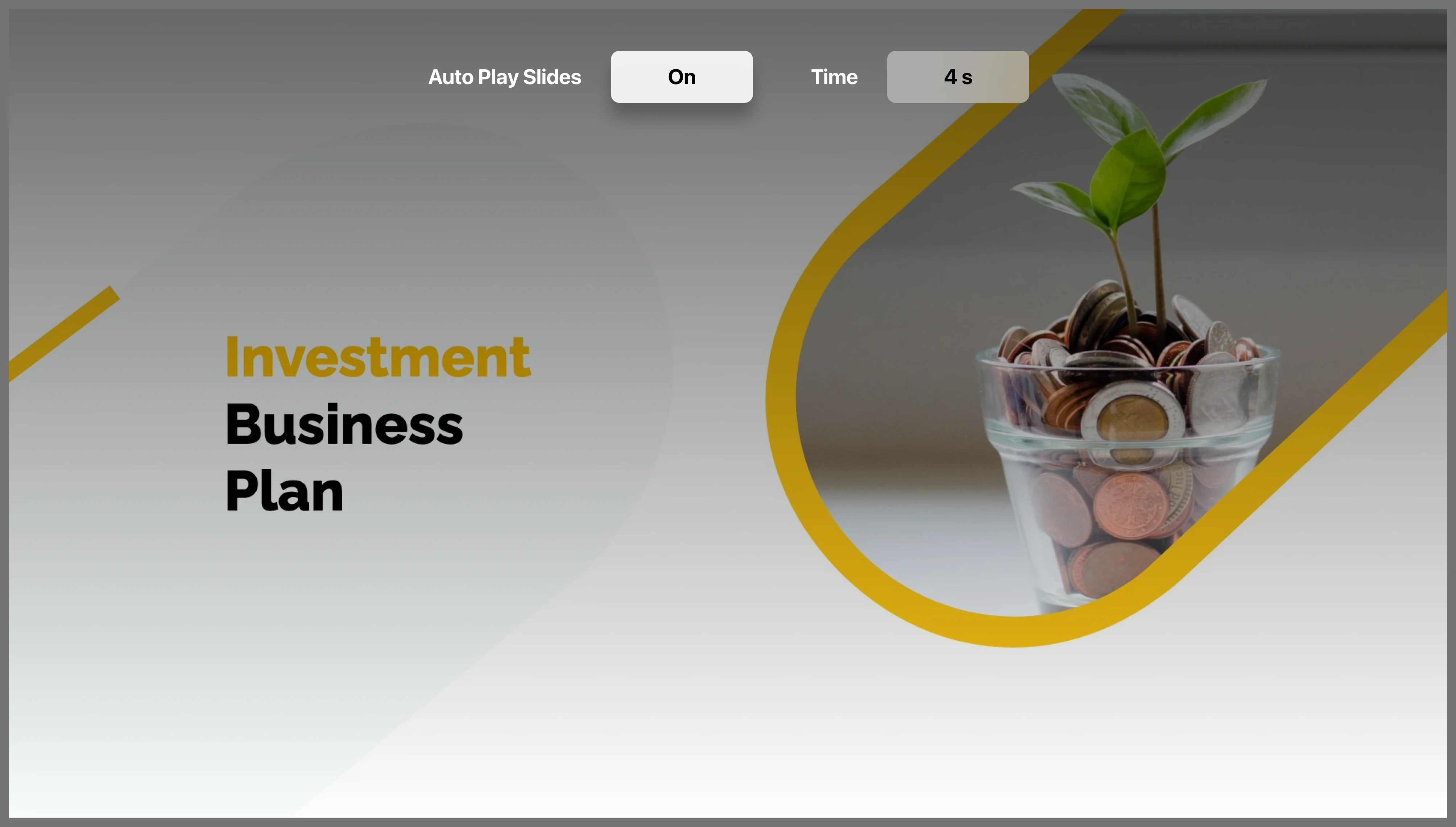 Playback Controls
Supports timed presentations and seamless auto-advance.
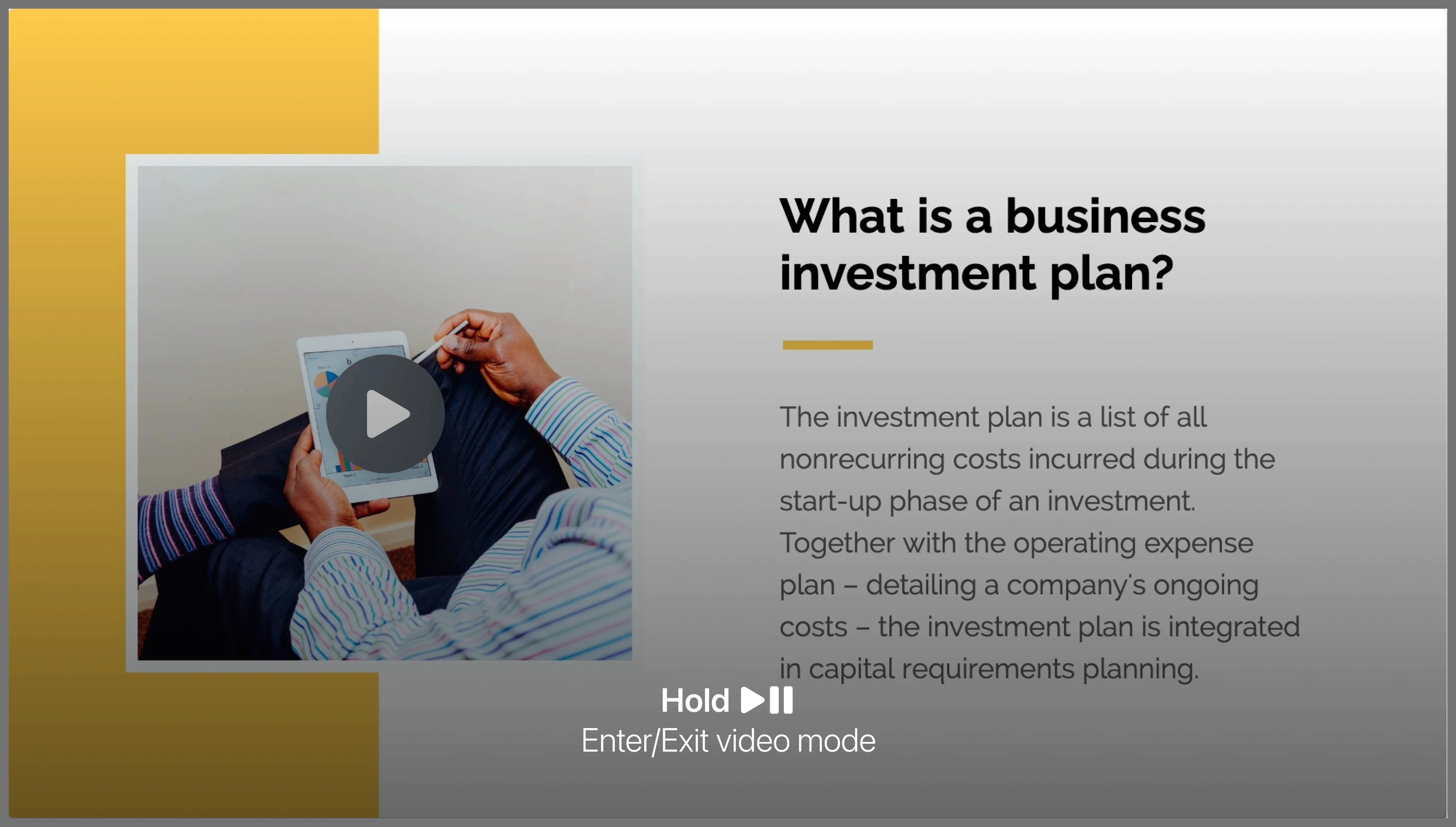 Video Mode Toggle
Built into a familiar remote gesture, reducing cognitive load on tvOS.
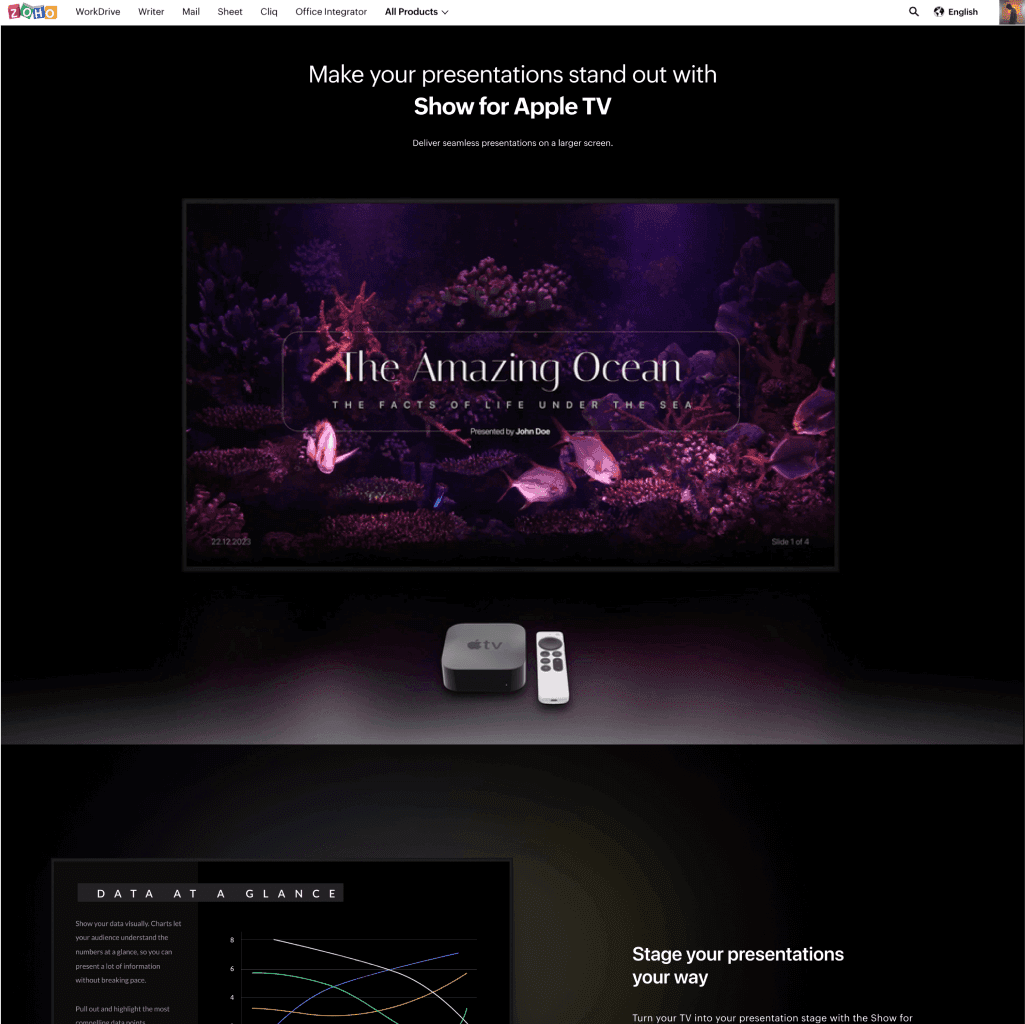
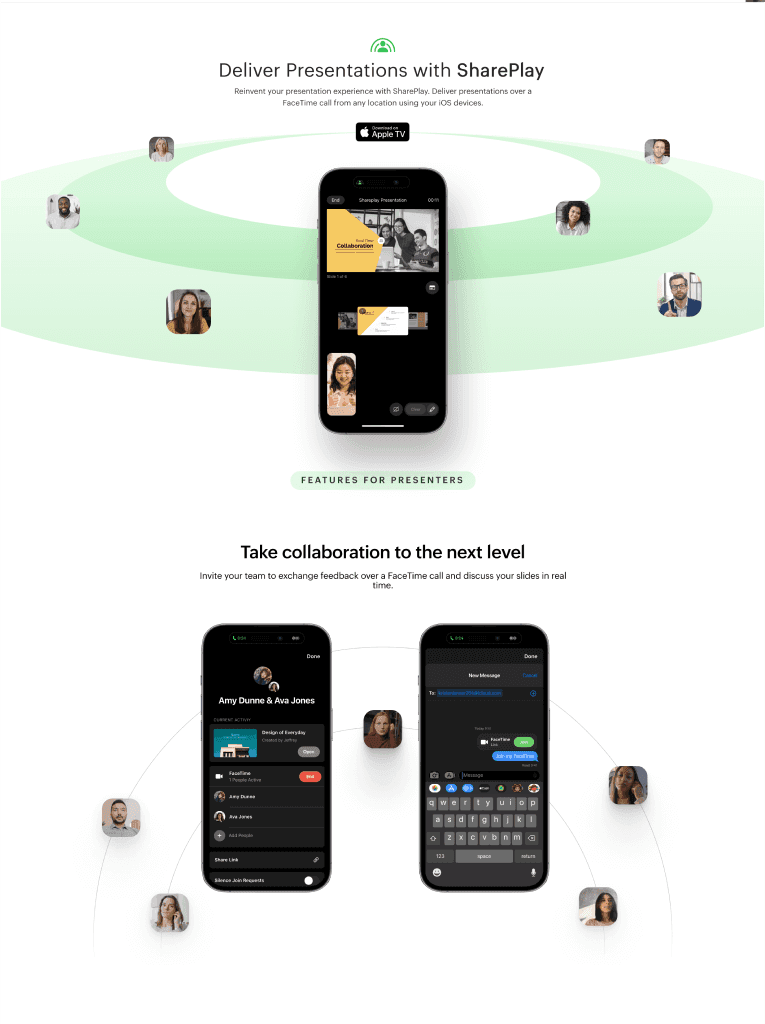
Webpages
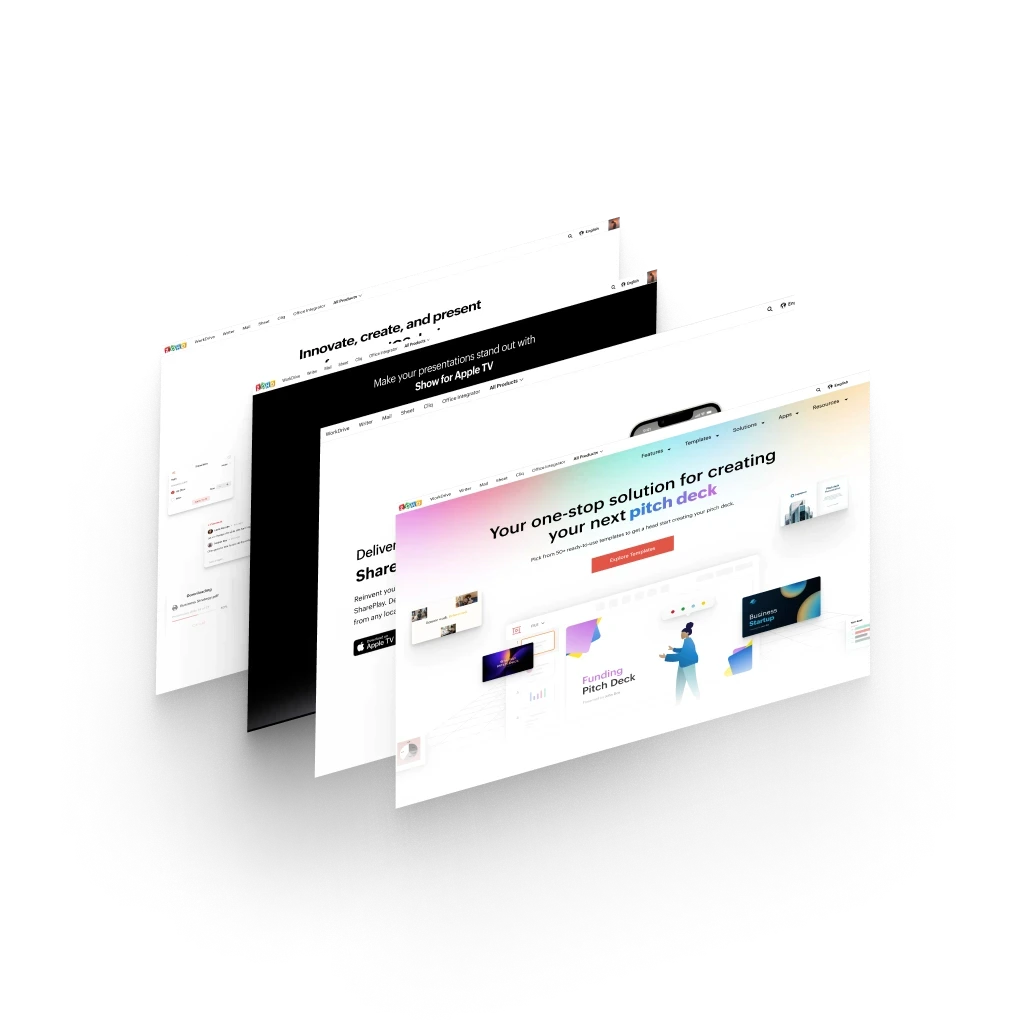
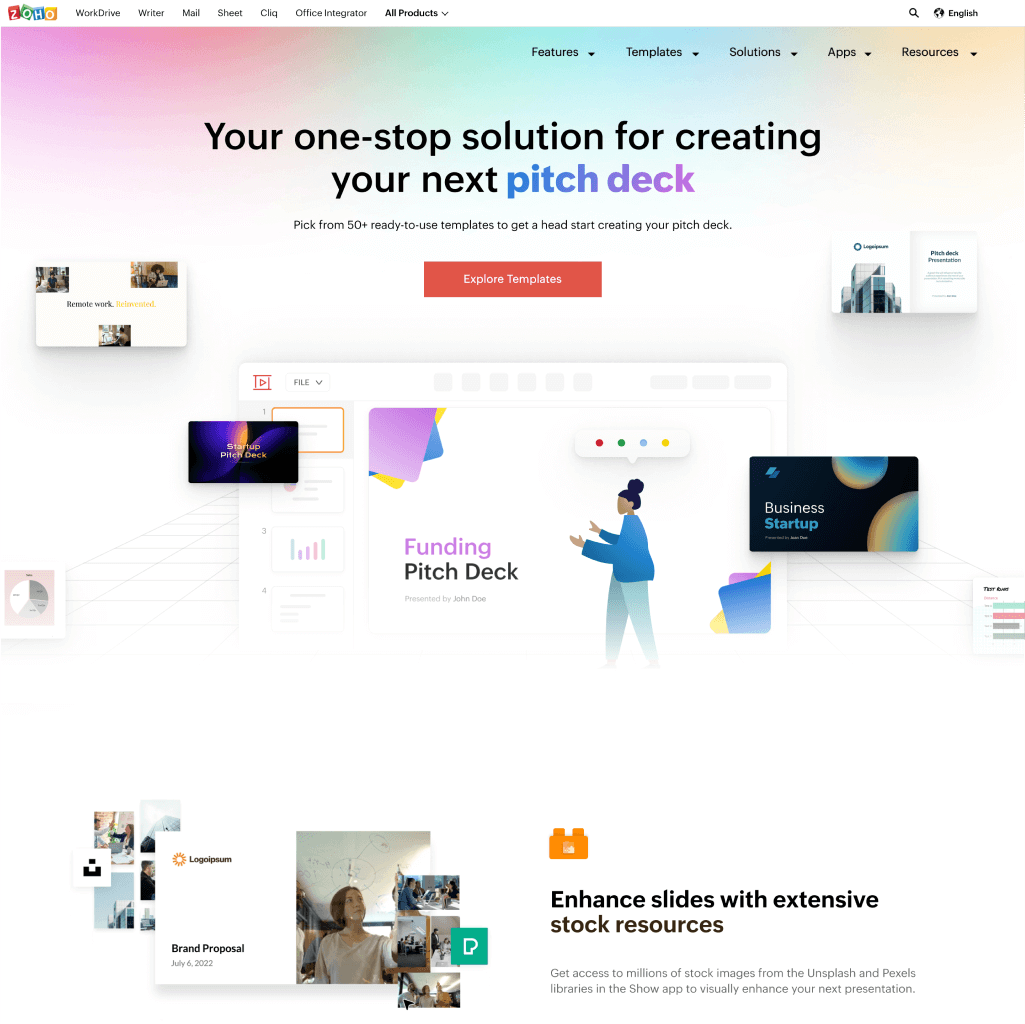
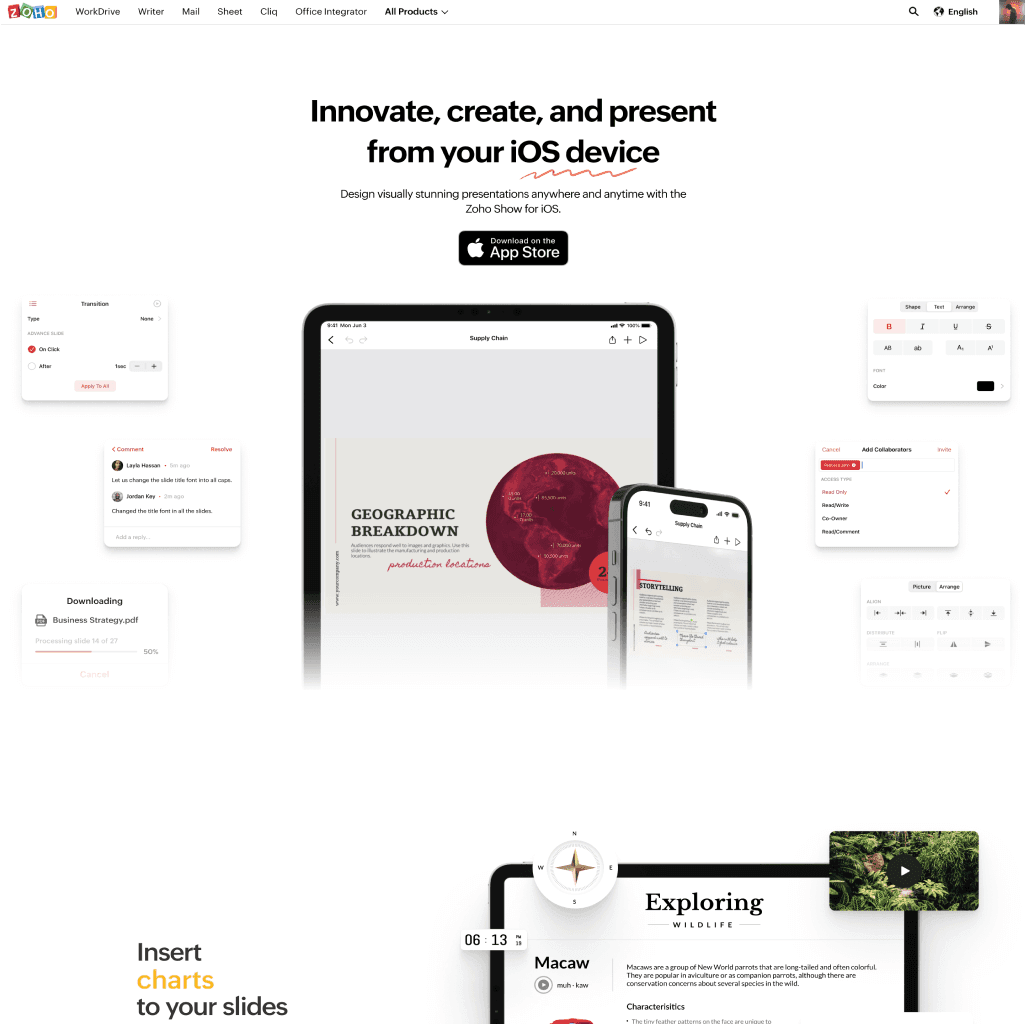
Designed several web pages to highlight the diverse features and solutions of Zoho Show.
Utilized responsive design principles to ensure accessibility across various devices.
Impact
Previous time
~3 weeks
Reduced by
39%
~2 weeks
Replacing ad-hoc elements with design system components helped improve the product's performance by 55%.
Conducted education and testing sessions for the designers to use the design system.